.svg)


See today's coverage before the queue tells you it slipped
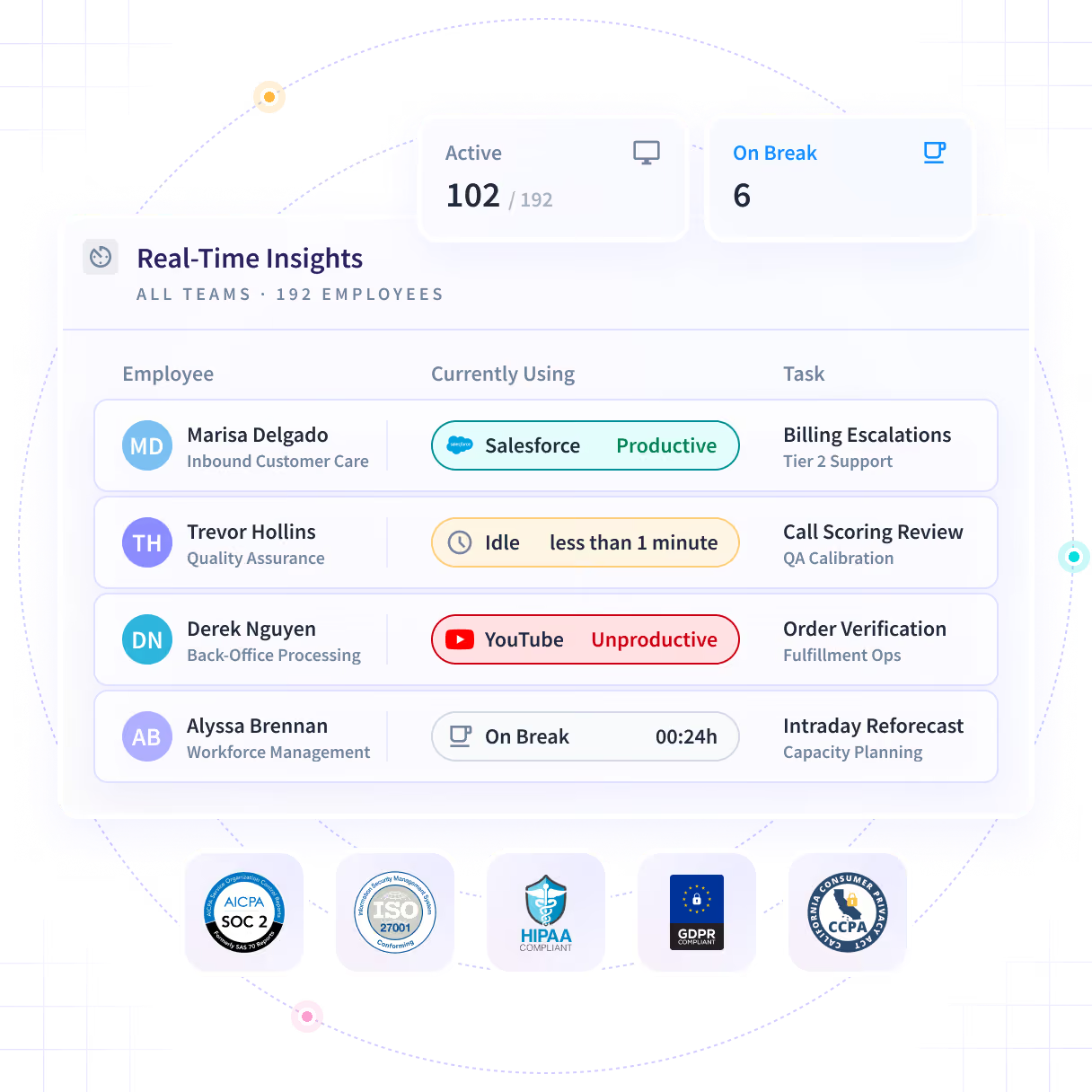
Who is working, on what, and how the team's load sits right now, across office, remote and contract workers. Reported at team level by default.













By the time it is in a report, the shift is over
Coverage decisions have a window of about two hours and most reporting has a window of about a day. The gap between those two numbers is where the escalation happens.

Make the coverage call with time left in the shift
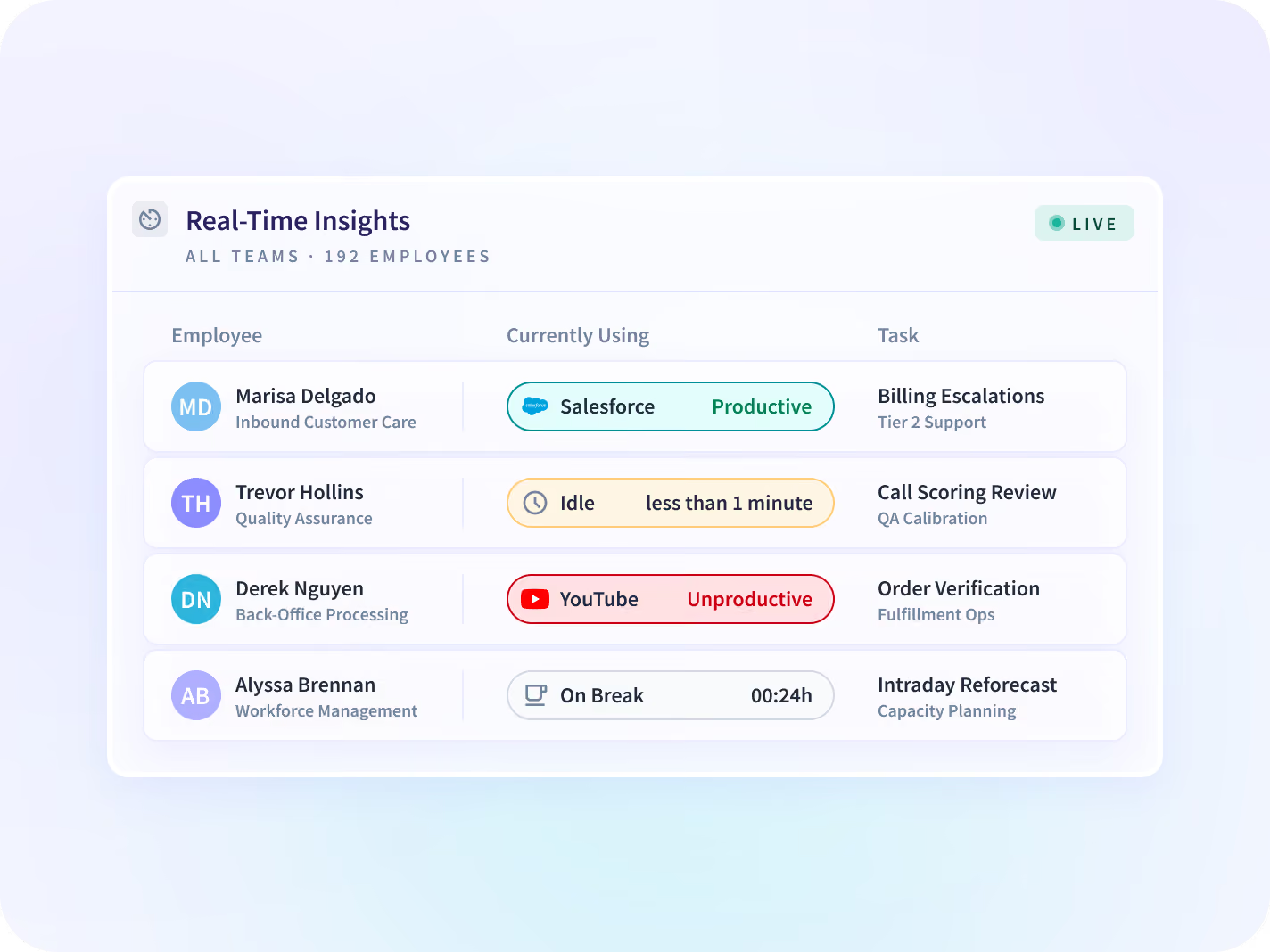
The live view answers the open day: who is working, what each team is in, and how today's load reads against a normal one. Team level by default, measured as work happens rather than afterwards.

A decision, not a finding
A closed day tells you what happened. An open one is the only place a coverage gap is still something you can do something about.

Team level by default
The unit is the team, not the person. An individual view exists and stays a policy decision you make rather than a default you inherit.

Meeting time is not idle
A quiet hour reads as a meeting when it was one, which is what decides whether the live view is information or a false alarm.

Where it earns its place
A call center peak forty minutes out, a support queue building for unclear reasons, a BPO account that has to be staffed to contract.
See who is working, on what, right now
Who is working, what each team is in, how today reads against a normal day, and an alert when it drops. All at team level by default, inside a collection scope your admins agree first.


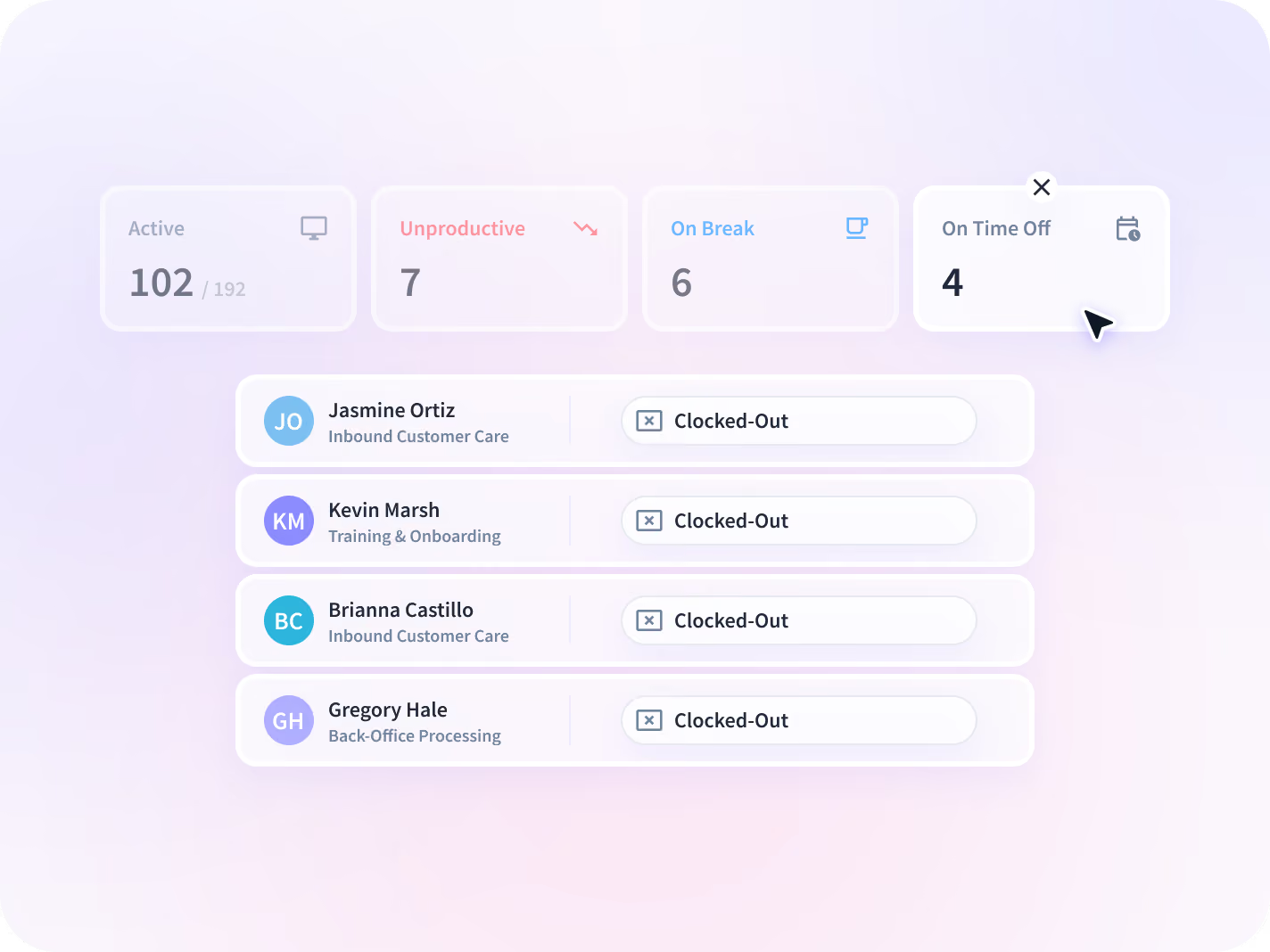
Who is working, who is idle and who has not started, at team level by default, across office, remote and contract workers on one report.


Which application and site each team is working in at this moment, so a quiet queue has a reason attached to it rather than a guess.


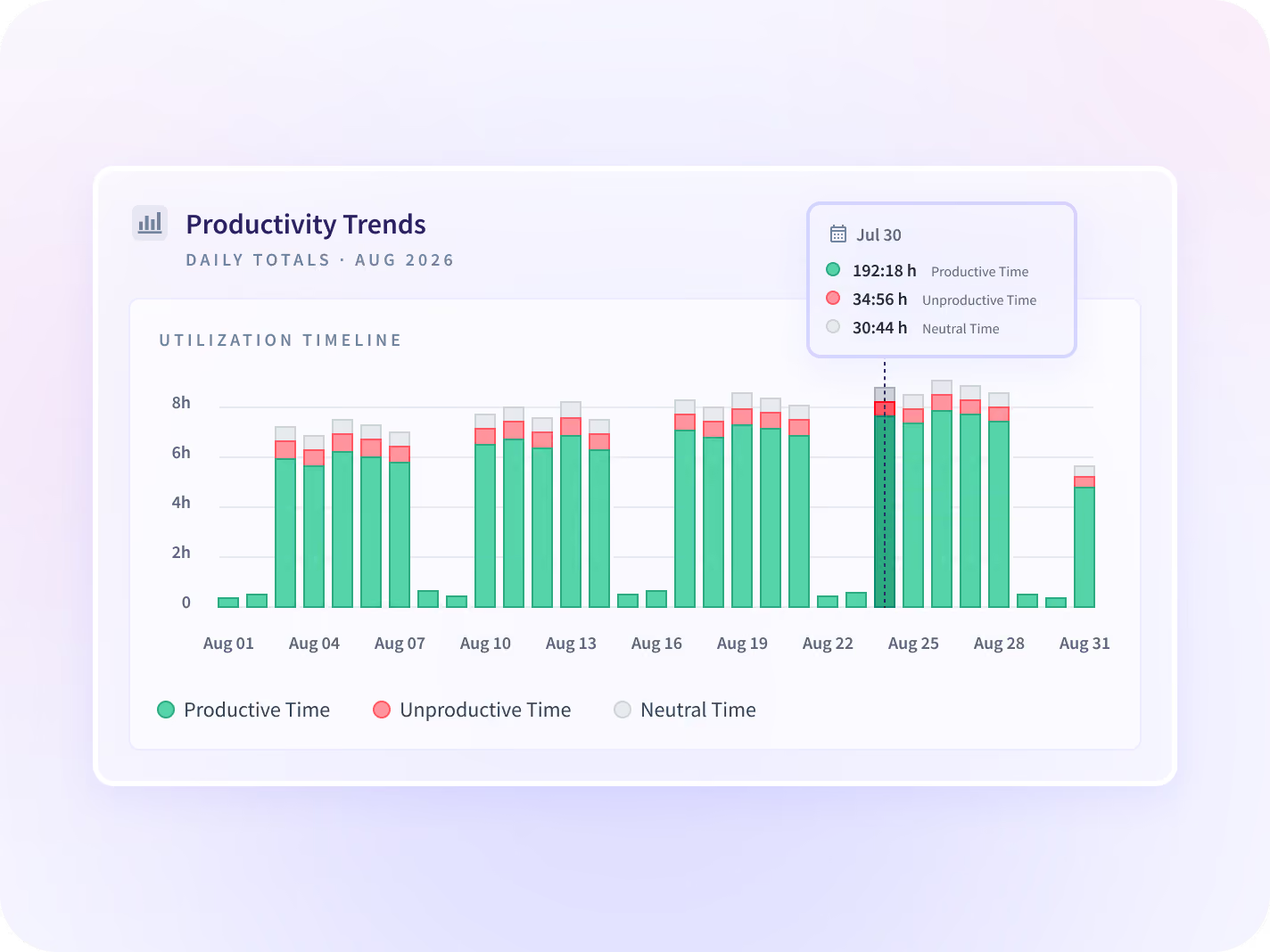
Today's active time and load set against a normal day, so a quiet hour reads as a gap rather than as a feeling somebody has.


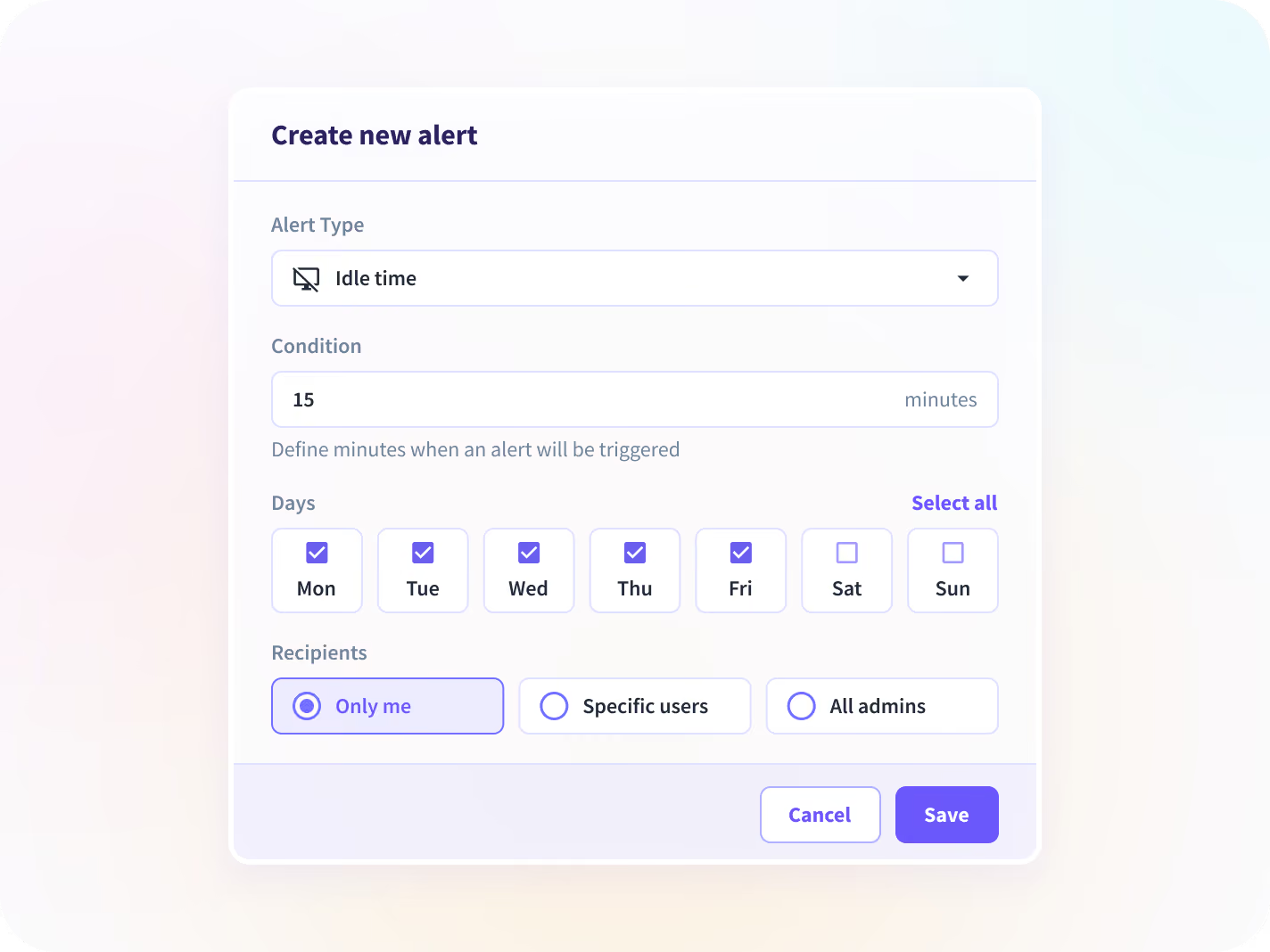
A notification when a team's active time drops below a threshold you set, sent to whoever owns that team rather than to a central inbox. Tiered admin permissions are in development.
Today's answer is the leading edge of one record
The live view answers today. Add the hours behind the same teams, the record after the shift and the staffing question the gaps roll up into, and one morning's decision sits inside a year's picture.

Workload Management
Where today's load sits against a normal day for each team, so a queue short at ten is a decision rather than tomorrow's finding.

Time and Attendance
Who started, who is on break and who is off schedule, with hours and adherence behind the live view rather than beside it.

Communication Report
Meeting time reported as meeting time rather than as idle, which is what makes a quiet hour in the live view readable.

Activity Logs
The record after the shift: a timestamped trail of application and page-level activity for the hour the live view flagged.

Capacity & Headcount Planning
Whether the gaps the live view keeps finding are a volume problem or a staffing one, sized from hours rather than from a forecast.
Workforce Visibility
One record of hours across office, remote and contract teams, which the live view is the current edge of.
Neither too late to act on, nor pointed at a person
The coverage report that arrives after the shift
Read who is working and which queue is short while the shift is still running, and move someone onto it before the backlog forms.
Coverage gaps closed same shift
The live view pointed at one person
Hold the live view at team level, run it visibly so each person can open the same view of their own day, and settle the watching question before a rollout meets it.
Trust and complaint volume
The unit is the team, not the person
Reporting holds at team level by default. Working time, applications and websites are reported; message, document and file content never are, and screenshots blur by default. Insightful recommends running it visibly.






Más de 5000 equipos en todo el mundo confían en nosotros






Close the gap before the backlog forms
Nothing to connect for the live view
50+ integrations across the platform, and the live view needs none of them. It reads from the desktop application already deployed, so office, remote and contract workers arrive on the same report.


FAQ
Near live, on a short refresh interval rather than a nightly batch. A daily report is built from a closed day and cannot, by construction, answer a question about an open one; the live view shows who is working, what each team is in, and how today's load reads against a normal day. We confirm the exact refresh interval on the call rather than printing it here, because it's a number worth being precise about and "instant" is not a precise word.
It answers a narrower question. This is built for one decision, made during a shift, at team level. If you're evaluating what the platform collects and how, Employee Monitoring and Workforce Analytics cover that.
An individual view exists, and team level is the default we recommend keeping. Insightful reports working time, applications and websites, never message, document or file content, and screenshots blur by default. What the individual view gets used for is a policy decision, and it is much easier to settle before the first manager asks than after.
Managers see their own scope, and an alert goes to whoever owns that team rather than to a central inbox. The limit worth knowing: tiered admin permissions and department-scoped admin roles are in development rather than shipped, so admin access cannot yet be split by department. If your control model depends on that split, treat it as a gap today rather than a setting.
In a visible rollout, their own view, built from the same measures a manager sees for the team. Stealth is supported and removes that, which is the trade to make deliberately rather than by default. Deployment options are set out on IT.
Yes, on devices where it's deployed, on the same report as office staff. A distributed team is where the live view earns the most, for the obvious reason that there's no room to look across.
Meeting time reads as meeting time, not as idle. That distinction comes from the Communication Report, and it is the single thing that decides whether a quiet hour in the live view is information or a false alarm.


