.svg)


An activity log you check instead of a status meeting
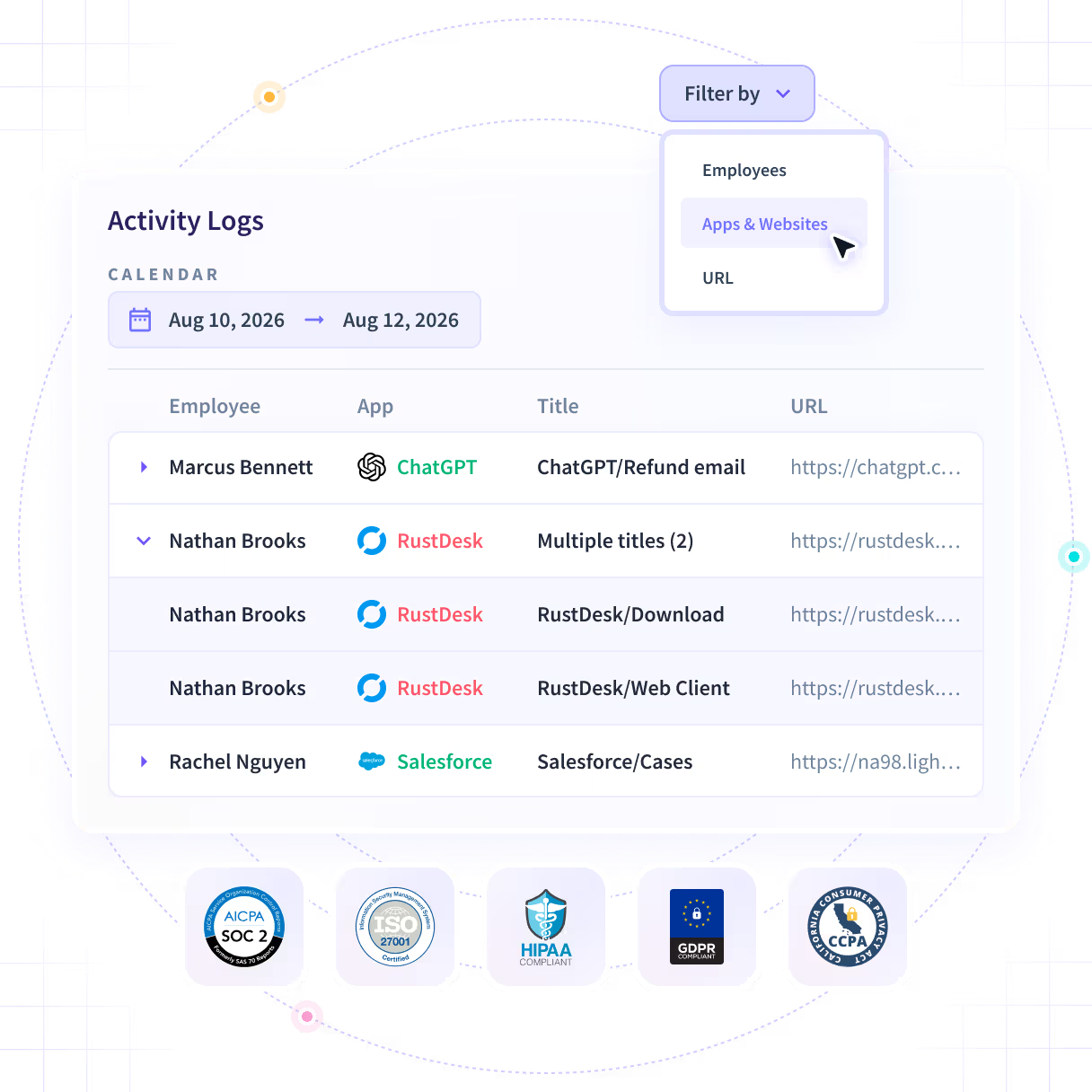
A timestamped record of which applications and pages were open, and for how long. It never captures keystrokes, message content or file contents, so a specific afternoon reads back in order.












The weekly status meeting is the only record you have
The answer to what happened on Tuesday does arrive. It arrives in Thursday's meeting, shaped by who got asked, days after the point where anyone could act on it.

One record, instead of everyone's version of it
A timestamped record of which applications and pages were open in every session, filterable by employee, team, device and date. Open one and a specific afternoon reads back in order.

The record, not the recollection
Tuesday afternoon reads back from the log in order, rather than from whoever happened to be asked about it on Thursday.

A boundary you can state
Applications and pages with timestamps. No keystrokes, no message content and no file contents, at any tier and on any plan.

The employee can open it too
In a visible rollout an employee sees the same record their manager sees. That is the mode we recommend, and this is the reason why.

Two gates, said up front
Workspace Security is a paid add-on purchased alongside Workforce Analytics, and Activity Logs sits on Enterprise plans inside it.
Open one session and read the afternoon back
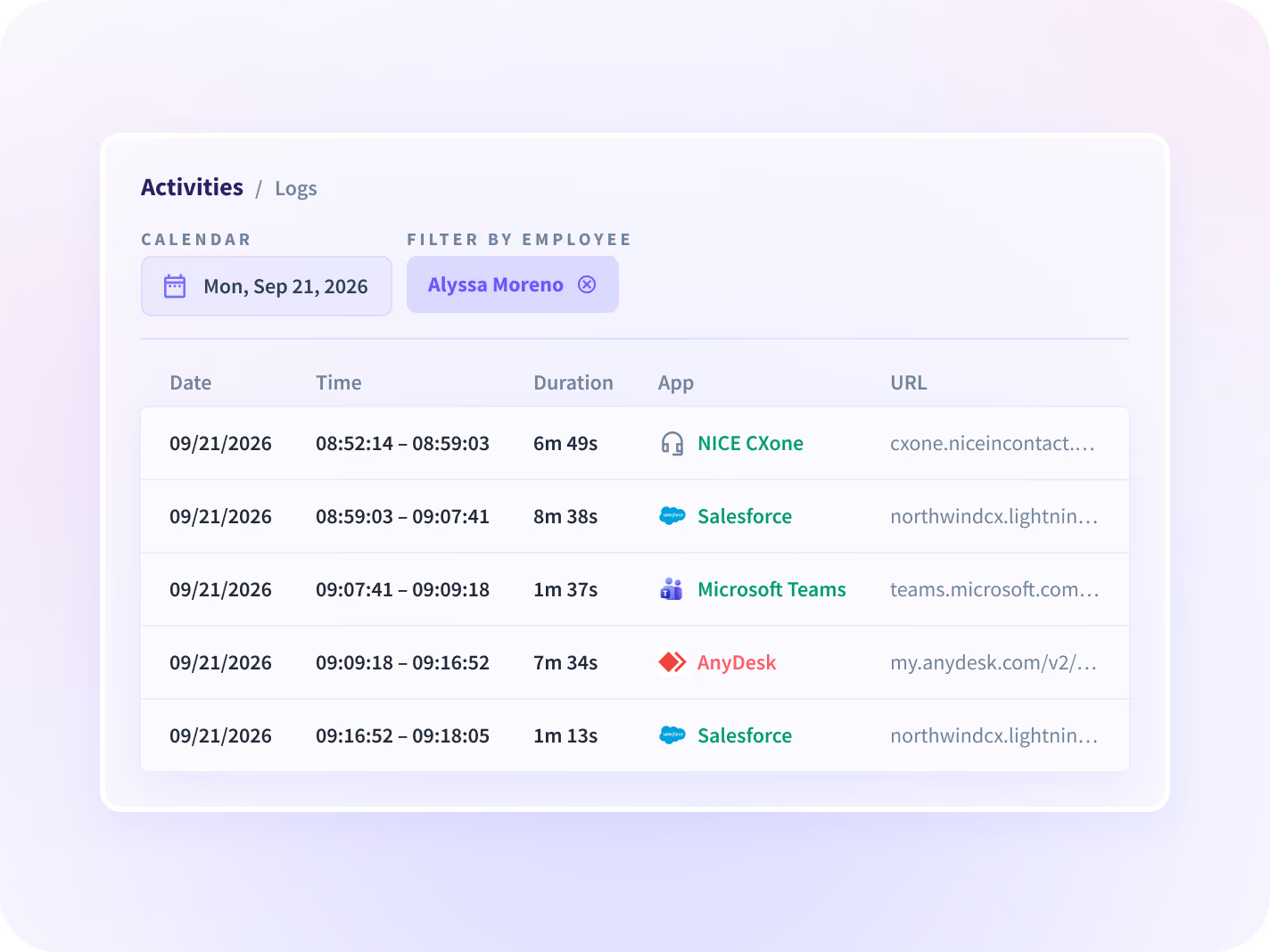
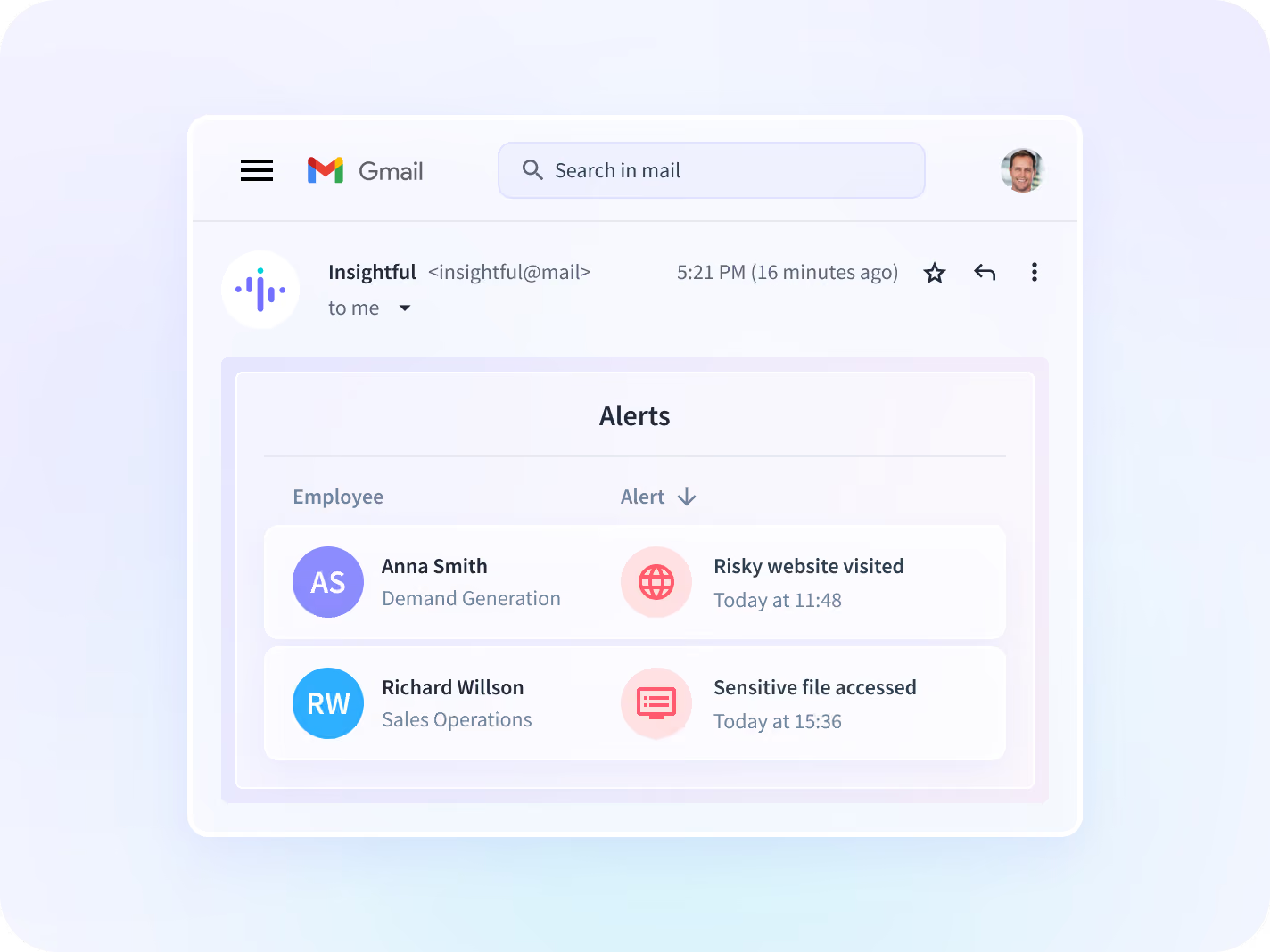
The applications and pages in order, active time separated from idle, an alert when a session sits unattended, and filters down to one employee, team or date. Nothing typed inside any of them is ever in it.


Every application and page opened in a session, in order and timestamped, captured as the work happens rather than reconstructed afterward, and never anything typed inside them.


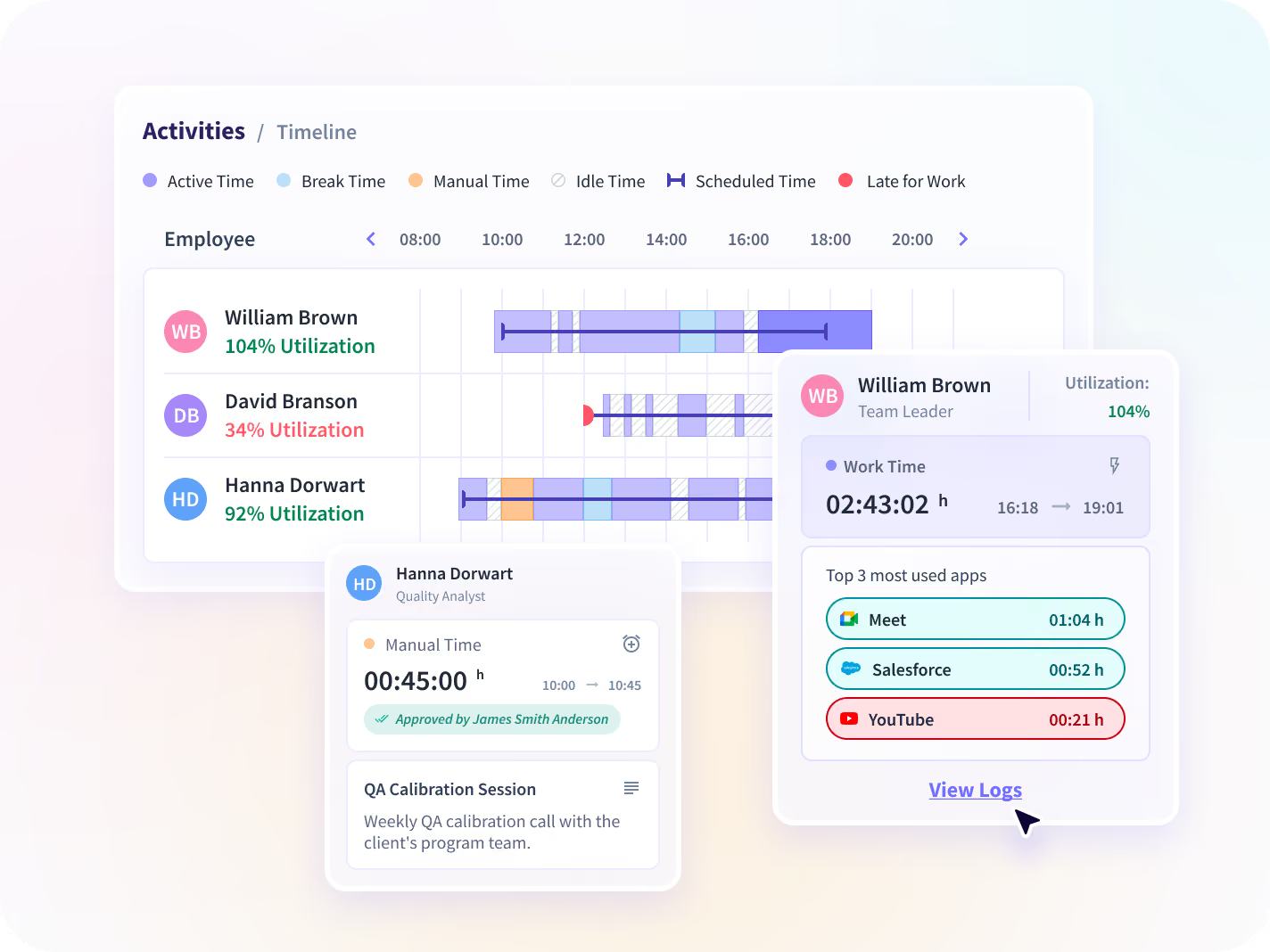
Time in active use separated from time a session sat open and unattended, read from activity signal rather than from a keystroke count, at team level by default.


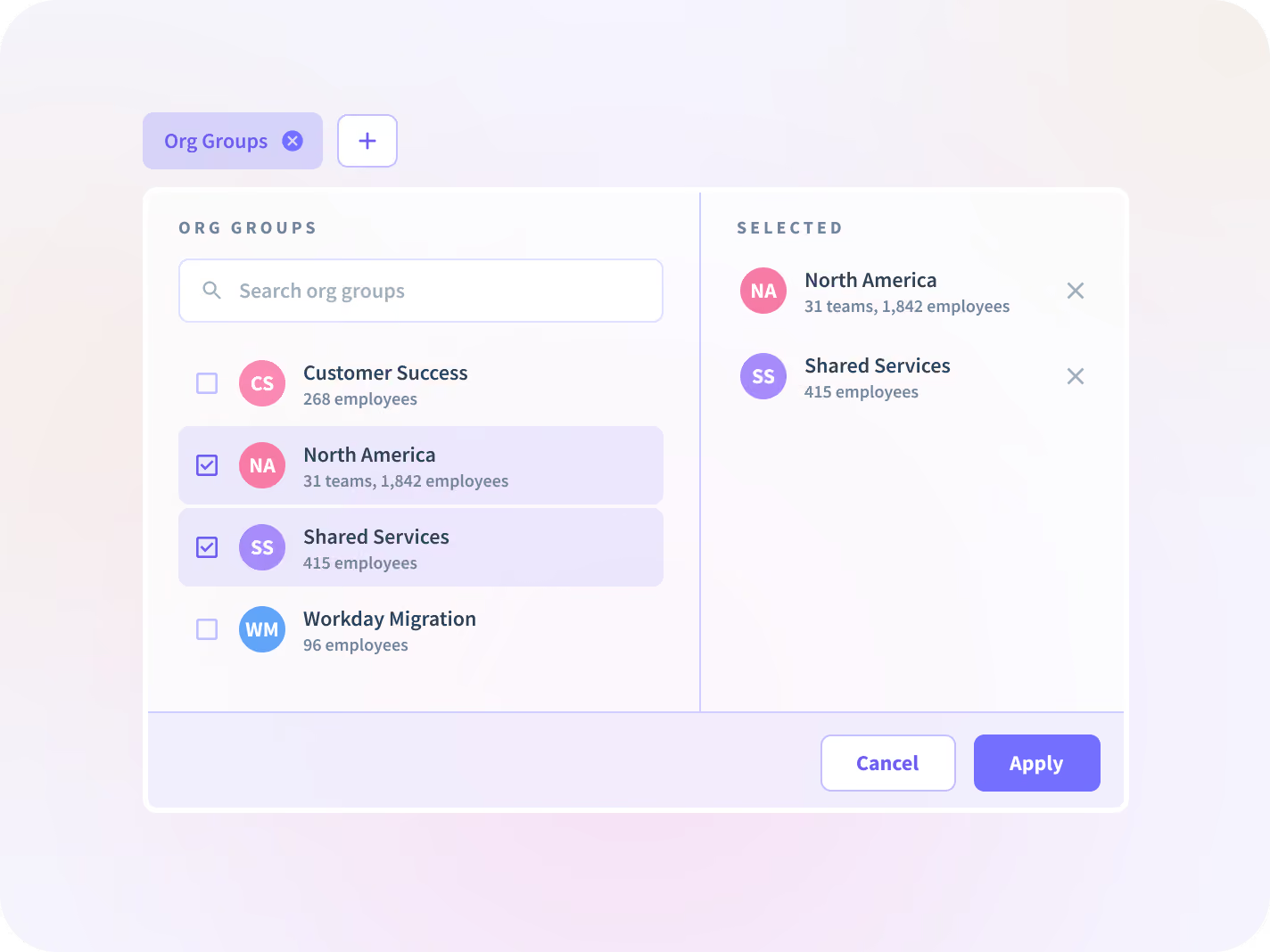
Filter by employee, team, device or date, then open one session and read that afternoon in sequence rather than reconstructing it from three people's memories.


A notification when a session runs open and unattended past a threshold you set, not one we picked for you, so nobody has to go looking to find out.
One session answers less than the record around it
One session answers one question. Add the account trail beside it, the same activity ranked across the stack, and the program that decides who may open it, and one record turns into something a team can run on.

Audit Logs
The other record: what changed inside your Insightful account, by admin. The two are routinely confused, and the difference is clearest side by side.

Apps & Website Usage
The same activity aggregated and ranked, when the question is about the stack rather than about one afternoon.

Insider Risk Management
The program a single session feeds: named seats, a capture depth set per group, and an approval path HR and legal both sign.

Workload Management
Active and idle time read against hours worked, so one person carrying the week shows up next to the rest of the team.

Workforce Visibility
Hours, applications and working patterns for every team in one place, instead of five exports.

Operations
Answer a question about a specific afternoon from the log, and call the meeting only when the log raises one.
Nobody has to take Tuesday on trust again
The weekly status meeting as the only record
Answer a question about a specific period, team and application from the record, and hold the meeting only when the record raises one.
Hours returned to delivery
The keystroke-level capture tool
Get evidence with a stated boundary: applications and pages with timestamps, and no keystrokes, message content or file contents.
Evidence held per control
The record employees cannot see
Show an employee the same record their manager sees, which is what a visible deployment makes possible and why we recommend one.
Trust and complaint volume
Applications and pages, never what was typed
The record holds which applications and pages were open and for how long. No keystrokes, no message content and no file contents, at any tier. What gets collected is published signal by signal, versioned and dated.






Trusted by 5,000+ Teams Worldwide




%201.png)
Read Tuesday back instead of asking
Nothing to connect, the record is on the device
50+ integrations across the platform. The session record needs none of them: it comes off the desktop application already deployed, so there is nothing to instrument and nothing new to roll out.


FAQ
Which applications and pages were open, for how long, with a timestamp on each. Nothing typed inside them: no keystrokes, no message content, no file contents. The part worth raising with your reviewer is page-level detail, which records that a particular folder, document or screen was opened rather than only that the application was. If that is deeper than you want to go, it is one of the controls you set before deployment. Reporting is at team level by default.
Activity Logs records what happened on a managed device: applications and pages, with timestamps. Audit Logs records what happened inside your Insightful account, by admin: settings changes, user updates, billing adjustments. They get confused often enough that we would rather repeat the distinction than have someone buy one expecting the other.
No. It belongs to Workspace Security, a paid add-on purchased alongside Workforce Analytics, and inside that add-on it sits on Enterprise plans. Two gates rather than one, which is worth knowing before anyone builds a business case on it.
That is yours to set. We recommend visible mode, where employees are told and can open the same record their manager sees, because visible rollouts get better adoption. Stealth deployment is supported where a customer needs it, and the trade is real: the self-service view is the first thing it costs you.
The retention window is confirmed on the call rather than stated here. Residency is available in the US, the EU or Saudi Arabia, or on-premise, where longer retention can be configured.
It does not discharge them, by itself. You hold the lawful basis as the controller, and what a vendor can do is keep that conversation short, which a narrow scope does: no keystrokes, no message content, no audio or video. Insightful holds GDPR, CCPA, HIPAA, and SOC 2 Type II compliance documentation under NDA, with data encrypted using AES-256 at rest and TLS 1.2 in transit, and keys held in Google Cloud KMS. Residency is available in the US, the EU or Saudi Arabia, or on-premise.
Access is scoped by role, and a manager sees only their own scope. The limit sits above that line: expanded tiered permissions and department-scoped admin roles are in development rather than shipped, so admin access is not yet splittable by department. If your control model depends on that split, treat it as a gap today, not a setting.


