.svg)
MCP de control de tiempo: las preguntas que puedes hacerle a un asistente de IA sobre las horas de tu equipo
Las preguntas que puedes hacerle a un asistente de IA sobre las horas, los turnos y la asistencia de tu equipo mediante una conexión MCP de control de tiempo, y las respuestas que obtienes.



On this page
Measure the work, not the signal.
See productive time and utilization by team, not just what looks active.


Puntos clave
- Una conexión MCP de seguimiento de tiempo le permite consultar a Claude, ChatGPT u otro asistente compatible con MCP sobre las horas, turnos y asistencia de su equipo utilizando lenguaje natural.
- El mayor ahorro de tiempo proviene de las consultas específicas bajo demanda, que sustituyen a los informes puntuales.
- Las respuestas abarcan turnos, horas de entrada y salida, hojas de horas, retrasos, ausencias, horas extra y tiempo dedicado a proyectos, todo resumido por equipo.
- La conexión hereda los permisos de su espacio de trabajo, por lo que nadie podrá ver a través del asistente más información de la que ya tiene acceso normalmente.
- Es de solo lectura y solo devuelve cifras agregadas, por lo que no hay riesgo de que se modifique ningún registro.
For many operations teams, Monday morning starts with an export. Last week's timesheets come from one places, absences from another. Then it's a move to a pivot table to stitch them together, and a finally a summary is organized for whoever asked.
All this data can now be asked about directly, in plain language, from the AI assistant you already use.
A standard attendance report only answers the question that was live when it was built. It usually prompts new questions. With a second question comes a second report, and so on. When an assistant can reach and deliver your data in real time, every question can be answered the moment it comes up.
What a time tracking MCP connection does
This kind of connection lets an AI assistant answer questions about your team's hours, shifts, and attendance by reading your live workspace data. MCP, short for Model Context Protocol, is the open standard that connects the assistant to that data. The companion article on what a workforce analytics MCP server is covers how it works.
In practice, you type a question into Claude, ChatGPT, or another MCP-compatible client and get an answer in the same chat, usually as a plain-language summary.
Some assistants can turn it into a table, a chart, or a shareable report when you ask. It's a companion to a live dashboard, letting you dig into ad-hoc questions that reflect the current moment.
Follow-up questions are where most of the time is saved. For example, if overtime looks high in one team, you can ask which weeks drove it, then how those weeks compare with the shifts that were scheduled. For anyone who builds the same export every week, those follow-ups replace most of the job.
The data an assistant can reach
An assistant can reach the same data your time and attendance software already holds, summarized at the level your role allows. That covers:
- Shifts, both scheduled and worked
- Clock-in and clock-out times
- Timesheets
- Lateness, absence, and overtime
- Tracked-time summaries
- Time logged against projects and tasks
- Attendance alert history
- Employees, teams, org groups, and manager relationships, used to scope each question
Attendance alert history means the attendance alerts your workspace has already raised, so you get into specifics like any other record.
If your question uses those building blocks, a Workforce Analytics MCP connection can answer it. You can think of it as an attendance MCP connection if it helps. It's a reporting layer over time tracking data you already collect, which is easier to picture once you know how cloud-based attendance software works.
Because questions are scoped by team and org group, you can ask about one site, one department, or the whole organization, as long as it sits within your access.
Questions you can ask, and what comes back
Six questions show an example of the range. This is just a starting point. You can ask your AI about employee hours in your own words. The assistant interprets your question and intent like usual, so there's no fixed syntax to learn.
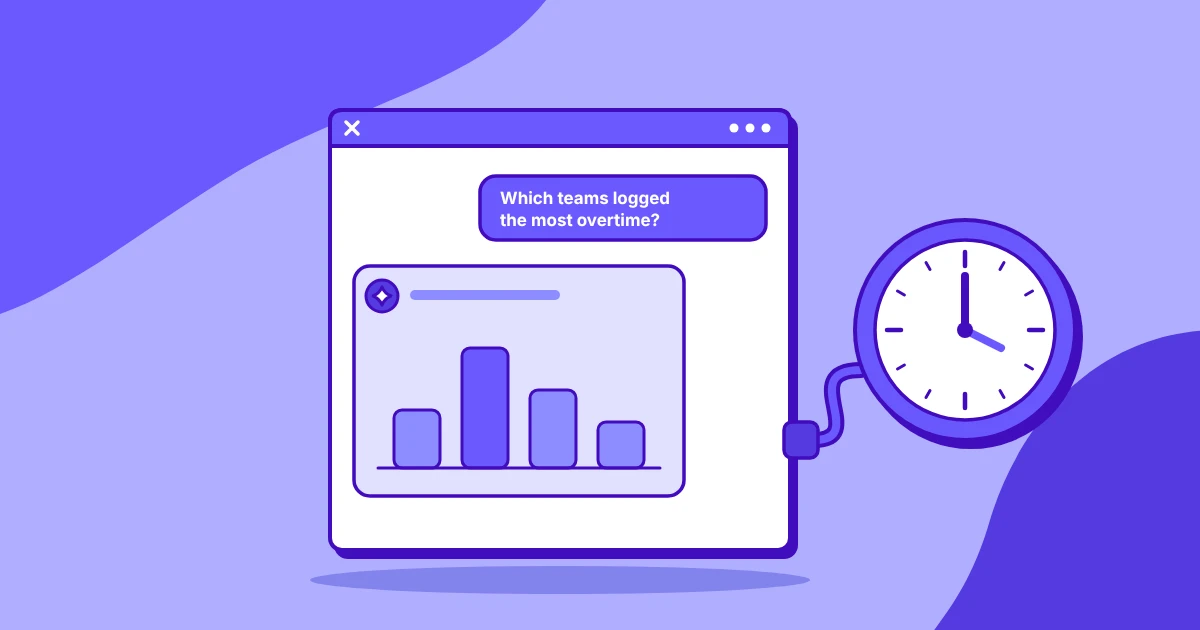
"Which teams had the most overtime last month?"
You get teams ranked by overtime hours for the month, usually with each team's total and a note on where it concentrated. A natural follow-up is which weeks drove the highest totals.
"Summarize absence across the claims team for the last quarter."
The answer describes absence across the team over the quarter, typically as total absent days and how they spread across the months. It stays at team level, with no individual names.
"Which teams had the most late arrivals in the last two weeks, and how late were they on average?"
Expect a ranked list of teams with the number of late arrivals and the average minutes late for each. If one team stands out, you can ask whether the late starts cluster on particular days.
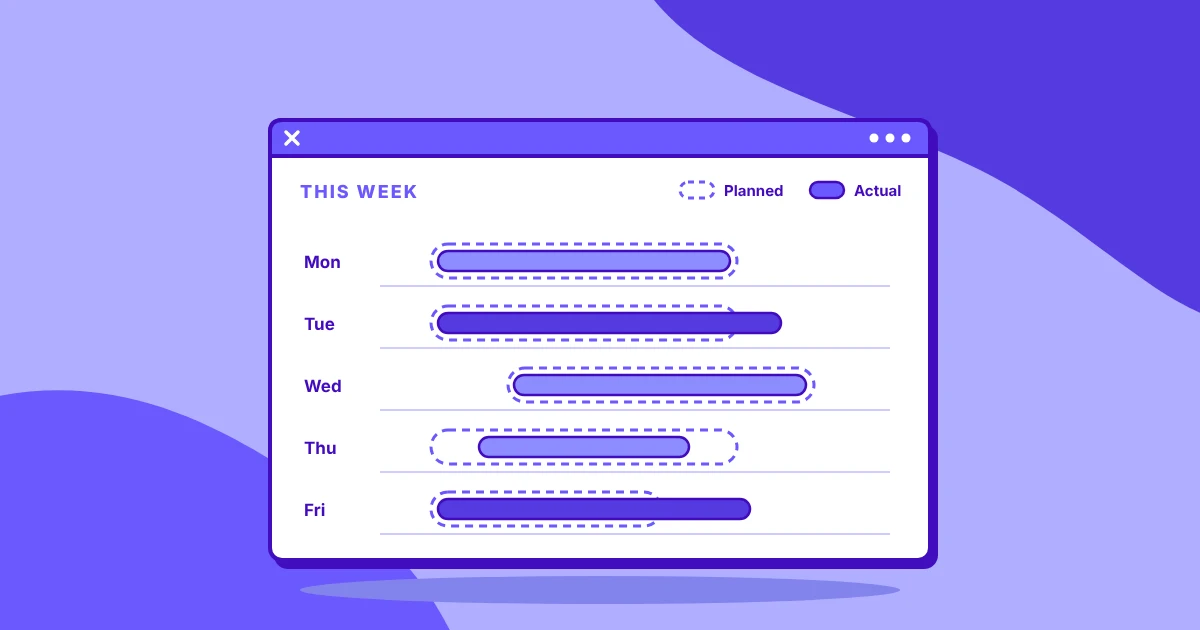
"Compare scheduled shifts against hours actually worked for the support team last week."
This returns scheduled hours next to worked hours for the team, often broken down by day, with the gap between them. It's one of the most useful shift data MCP questions, because it shows where coverage fell short of the schedule.
"How much time did we log against the onboarding project in July?"
You get the hours logged against the project for the month, and you can ask for them split by task or by team in the next question.
"Show me attendance alerts raised since the start of the month."
The answer lists the alerts raised in your scope since the first of the month, grouped by type or by team, so you can see what triggered most often.
How to phrase a question so the answer holds up
Name the exact period. If the period isn't finished, ask the assistant to stop at the last complete day and to say what that is.
Set the scope in the question too: which teams, and a minimum team size if you want small groups left out. Ask it to say plainly when a number is missing instead of estimating it. Like normal LLM use, it takes some prompting to zero in.
For overtime and late finishes, ask it to use each person's local time and to point out rostered shifts so they aren't counted as overwork.
Finally, say what you want to get back. An AI timesheet summary can be a short paragraph, a table, or a report you can share.
Who sees which answers
A manager gets answers about their own teams only, and an administrator gets the whole organization. The connection inherits the permissions already set in your workspace, so nobody sees more through the assistant than they see on screen on any given day.
A shared-services lead with three teams can ask about all three together, while a team lead asking the same question gets figures for their own team.
That holds even when a question names a team outside your scope. The assistant still answers only with data you're allowed to see. A timesheet MCP connection doesn't add a second set of access rules to manage, it just works with what's already there.
Turning a connection on or off is an administrator's job, covered in how administrators enable and revoke a connection.
Limits to know before you start
The MCP connection is deliberately narrow. It's read-only, so the assistant can't create shifts, edit timesheets, or change anything in your workspace. That makes it easier to give more managers access, because asking a question can't alter a record.
It returns aggregated figures only. There are no screenshots, recordings, or event-level logs in an answer, even where those features are switched on in your workspace. When you need the detail behind a figure, open the matching report in the workspace itself.
Es posible que deba dividir los rangos de fechas largos. Una solicitud muy amplia puede exceder la ventana de contexto del asistente, lo que limita la cantidad de información que puede procesar en una sola respuesta. Esto es una característica, no un error, ya que cuanto más pequeño sea el problema, más relevante será la respuesta. Las preguntas precisas conducen a datos más precisos: solicite la información de un año trimestre a trimestre.
Obtenga sus datos de horas con una sola pregunta
Servidor MCP de Insightful conecta a su asistente con los datos de horas, turnos y asistencia en Análisis de la fuerza laboral, si ese es el plan que tiene contratado. Workforce Analytics muestra la información desde la perspectiva del tiempo. People Intelligence muestra cómo trabaja el personal y sugiere oportunidades para mejorar el rendimiento. Una conexión MCP para People Intelligence le brinda respuestas sobre coaching y gestión del desempeño.
Para ver las preguntas MCP en acción, vea el seminario web bajo demanda, luego inicie una prueba gratuita para probarlo con los datos de su propio equipo.
Preguntas frecuentes
¿Puedo preguntarle a ChatGPT o Claude sobre las horas de mi equipo?
Sí, una vez que su organización tenga una conexión autorizada. Cualquier cliente compatible con MCP funciona, incluidos Claude y ChatGPT. Usted pregunta en lenguaje sencillo y el asistente responde a partir de los datos de su espacio de trabajo, dentro de los límites de acceso que ya tiene su rol, como un resumen escrito.
¿Cómo llegan los datos de asistencia a un asistente de IA?
Un administrador conecta el asistente al espacio de trabajo a través de un servidor MCP, y el asistente lee los datos de asistencia cuando usted hace una pregunta. No se copia nada en una base de datos independiente. La guía de configuración de Insightful explica cómo se habilita y revoca una conexión.
¿Puede un asistente de IA resumir las hojas de horas?
Sí. Solicite un período y un alcance, como un equipo específico para la semana pasada, y el asistente devolverá un resumen de las horas en lenguaje sencillo. Algunos asistentes también pueden convertir ese resumen en una tabla, un gráfico o un informe que puede compartir.
¿Puede un asistente de IA señalar retrasos, ausencias o horas extras?
Sí, dentro del alcance del usuario que realiza la consulta. Un gerente ve los resultados de sus propios equipos, y un administrador los de toda la organización. Las respuestas se resumen por equipo, por ejemplo, qué equipos tuvieron la mayor cantidad de llegadas tarde o horas extras en un período determinado.
¿A qué datos de tiempo y asistencia puede acceder un asistente de IA?
Puede acceder a turnos programados y trabajados, horas de entrada y salida, hojas de horas, retrasos, ausencias, horas extras, resúmenes de tiempo registrado, tiempo dedicado a proyectos y tareas, e historial de alertas de asistencia. La estructura del equipo y de la organización se utiliza para limitar cada pregunta a lo que usted tiene permiso para ver.
¿Por qué a veces falla un rango de fechas extenso?
Una solicitud demasiado amplia puede exceder la ventana de contexto del asistente, es decir, la cantidad de información que puede procesar en una sola respuesta. Los datos están completos, pero el asistente no puede abarcarlos todos a la vez. Divida el rango, por ejemplo, consultando un trimestre a la vez.
Recommended for You