.svg)


An audit trail no admin can edit, tested live on your call
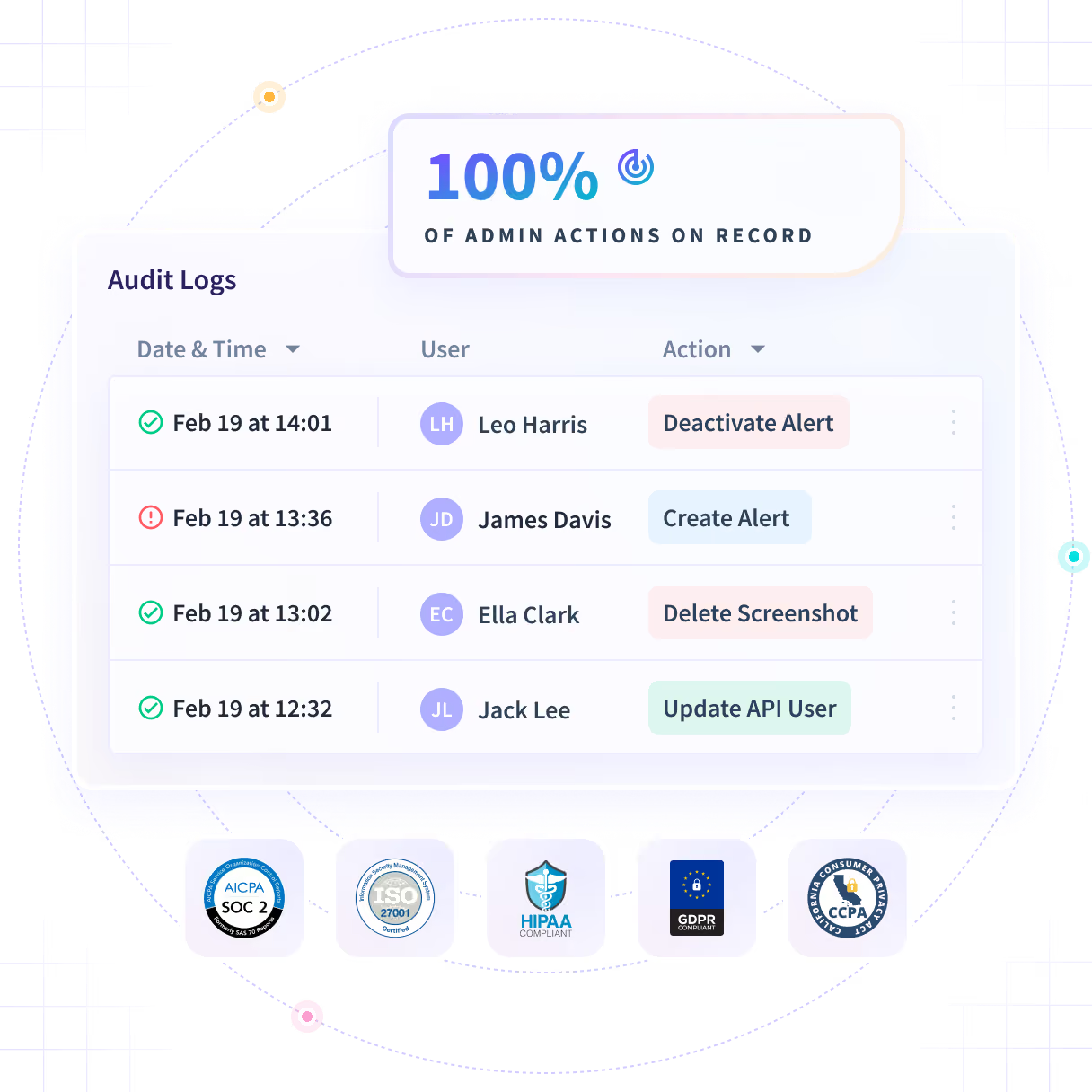
Every change made inside your Insightful account, with the actor, the role and the values that changed. Ask for a record on the call and check it arrives unaltered.












You can't check the one claim the whole trail rests on
Every vendor states that the log cannot be altered, and the sentence clears the questionnaire. A compliance function answering to a regulator cannot sign its name to something nobody has tested.

Ask for a record on the call and check it
Every account action is recorded with the user, their role, the object affected and the old and new values. No user, including an admin, can edit or delete an entry.

No user, not even an admin
There is no role inside your account that can edit or delete an entry, including the one that created it.

The before, not just the after
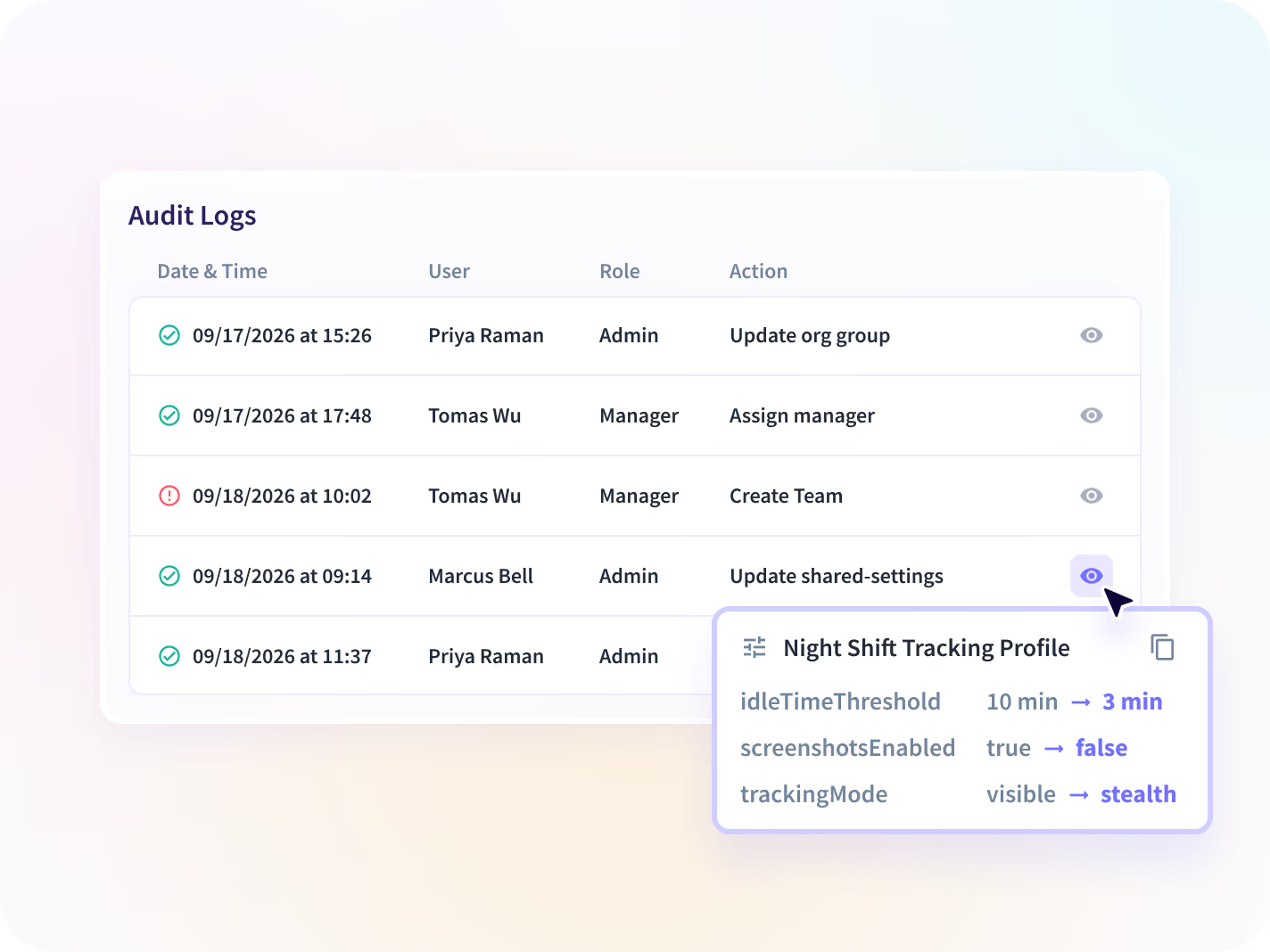
Most trails record that something changed. This records what it was and what it became, which is the half a reviewer needs.

Tested, not asserted
Every vendor writes this sentence and it clears the questionnaire. Ask for a record during the demo instead, and read what arrives.

Part of the Enterprise plan
Audit Logs ships with the Enterprise plan, alongside SSO, so the trail is already in place when a reviewer asks for it.
See what changed, and what it changed from
Settings, user and billing changes in one admin-only table, each with the actor, the old and new values, and the approver on any hour added by hand. Pull one record as a report inside a regulator's window.


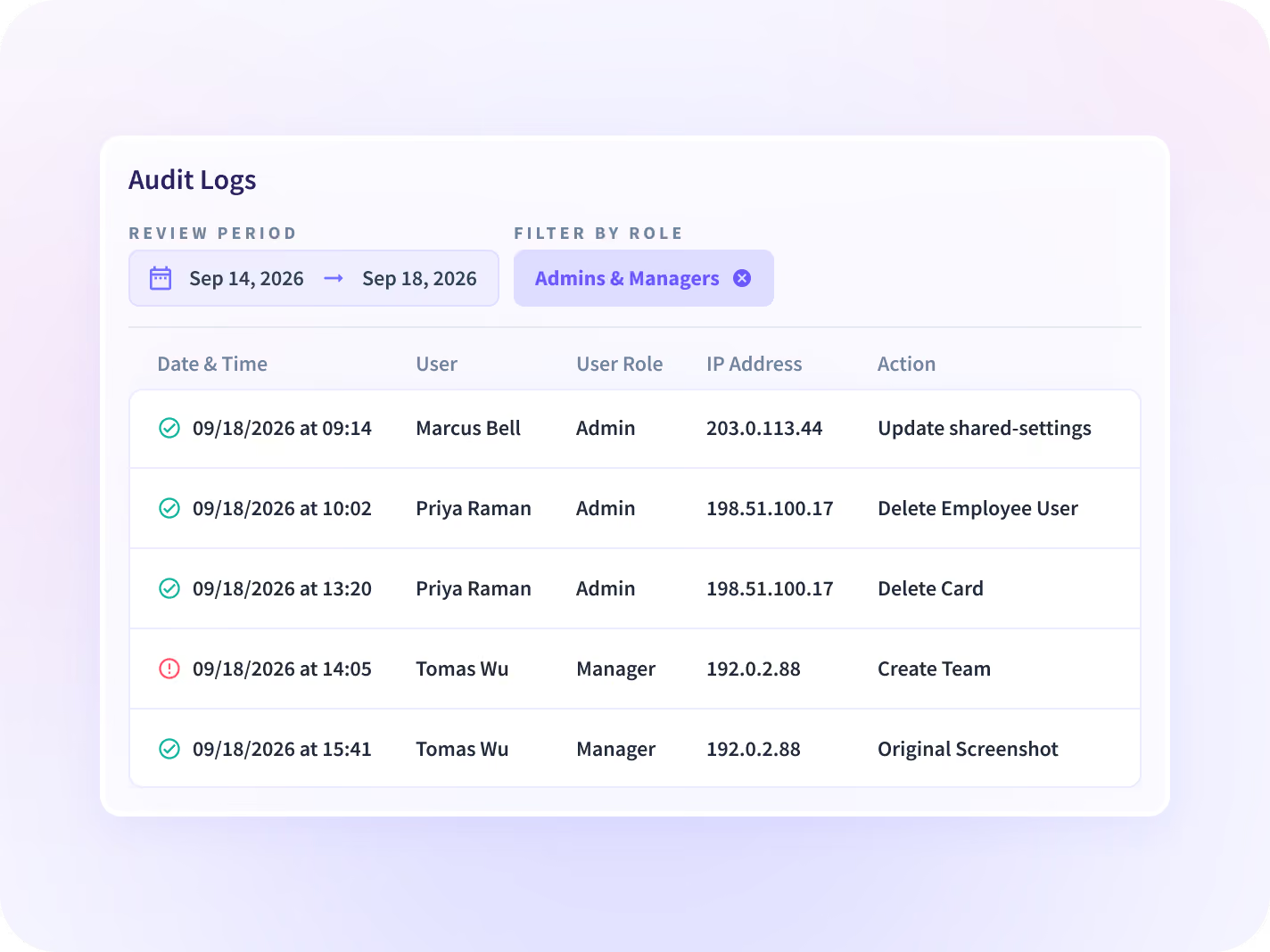
Settings changes, user updates and billing adjustments in one admin-only table, each tied to the person who made it, their role and their IP address.


Hover an entry to read the old value beside the new one, which is the half most trails leave out and the half a reviewer asks for.


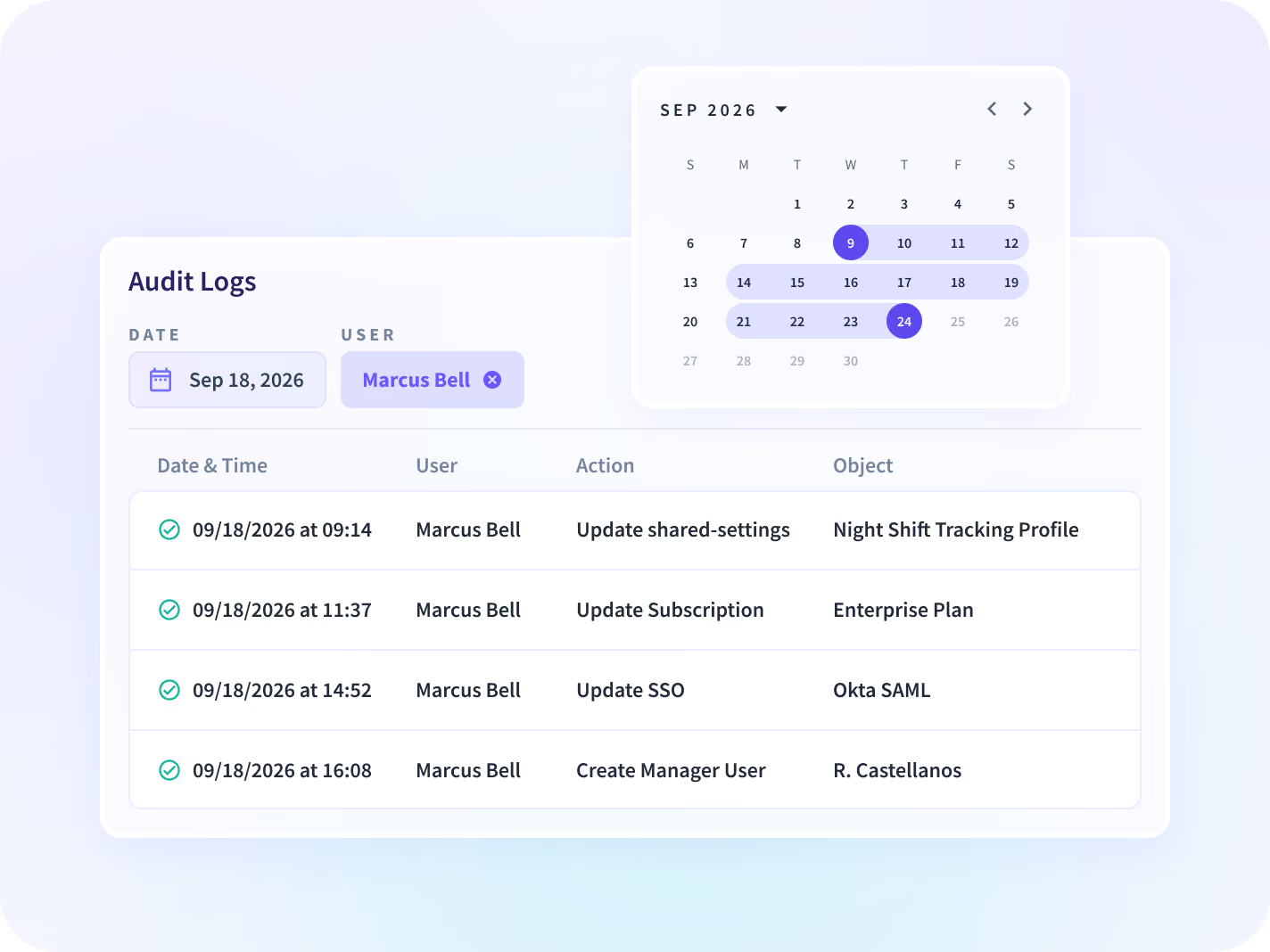
Narrow to one admin, one day or one object, then request the record as a report. One compliance function received theirs inside a one-hour regulator window.


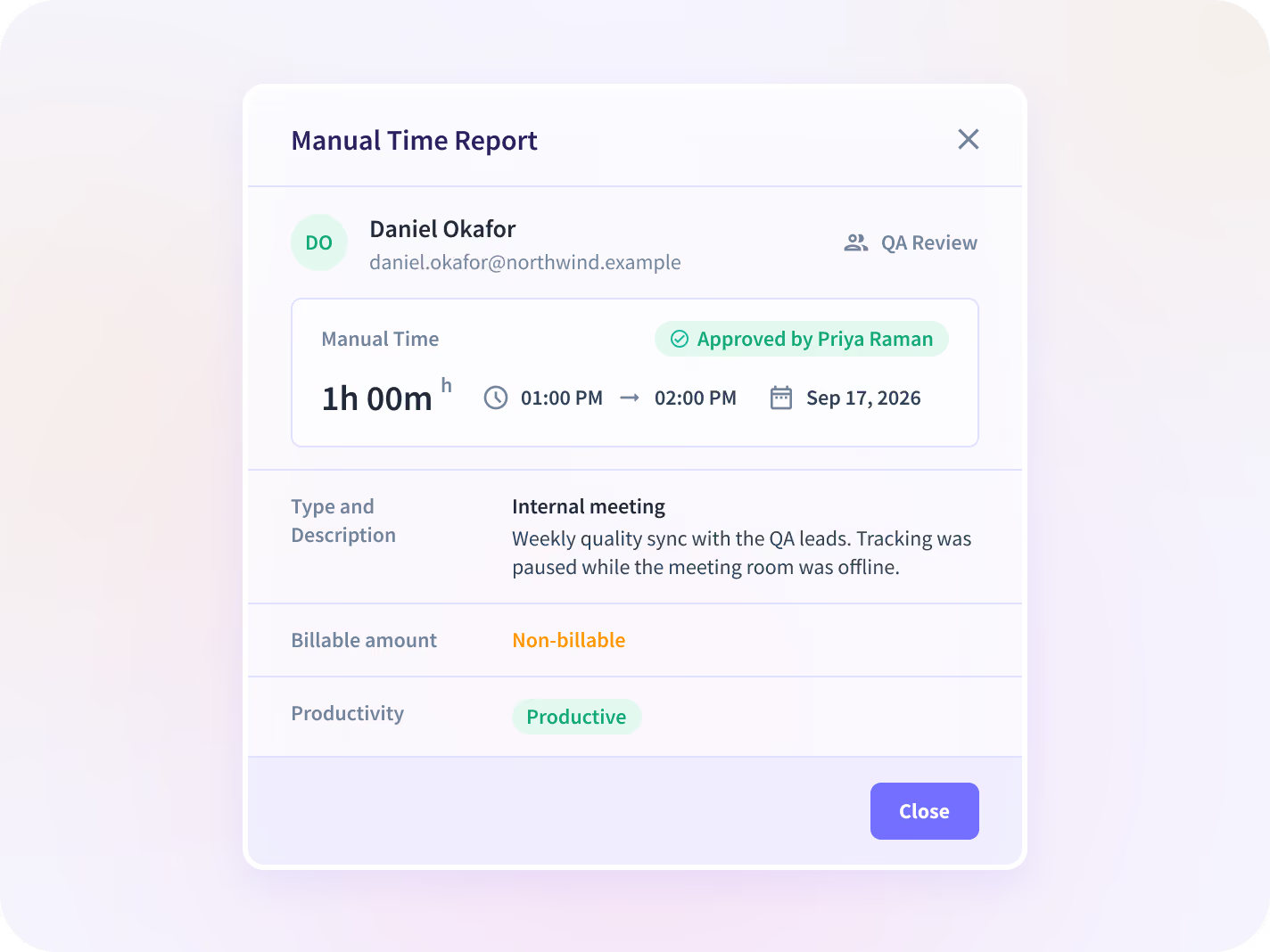
Every manually added hour tied to the named person who approved it, inside the same trail no user can alter, which is what a disputed invoice turns on.
The trail proves who changed it, not what happened
One trail answers who changed what. Add the device-level record beside it, the controls it is evidence for, and the hours a manual approval is attached to, and a single table becomes a governance layer.

Activity Logs
The other record: what happened on a managed device, applications and pages with timestamps. Different product, adjacent question, routinely confused.

Workspace Security
Alerts and session records for the activity side, available as a paid add-on on any plan and included in Enterprise.

Insider Risk Management
The program the trail underwrites: named seats, a stated capture depth, and every administrative action written where no user can alter it.

Time and Attendance
The hours a manual approval in this trail is attached to, which is what a billing or payroll dispute turns on.

Workforce Visibility
Hours, applications and working patterns per team, read next to the trail of who changed them.
CISO
Ask for a record on the call, read the old and new values, and confirm nothing was edited.
Two teams stop taking the record on faith
The vendor assurance you cannot test
Ask for a record on the evaluation call, read the old and new values against the change, and confirm nothing was edited.
Claims verified, not accepted
The reconstruction after a billing dispute
Show every manually added hour with the named approver attached, which is the record a disputed invoice turns on.
Disputed hours defended
What a reviewer gets besides our word
A trail is only as good as what sits around it. Records are admin-only, held where you choose, and the scope behind them is published rather than described.






Proven impact across real organizations







Ask for a record on the call.
Your SIEM covers the estate. This trail covers Insightful.
A SIEM holds estate-wide events. What it cannot show is who changed a setting inside Insightful, which is the entry a reviewer asks for. 50+ integrations across the platform.


FAQs
An audit log is a record of every action taken inside a system: who did it, when, and what changed, held so that no user can alter it. Insightful records account actions with the user, their role, their IP address, the object affected and the old and new values. The test worth running is not whether a vendor says the trail cannot be altered, because they all say it. It is whether they will produce a record while you are on the call and let you check it.
No. No user, including an admin, can alter or remove an entry. Manual time entries additionally require a named approver, and the approval is recorded in the same trail. You do not have to take that on our word, and you should not: ask for a record during the demo and check what arrives.
Audit Logs records what happened inside your Insightful account: settings changes, user updates and billing adjustments, each tied to the admin who made it. Activity Logs records what happened on a managed device: which applications and pages were open, and for how long.
No. Audit Logs is an Enterprise-plan feature, so a Workforce Analytics subscription on its own does not include this trail. Availability by plan is on the pricing page.
Admins only. The table is not visible to managers or employees, and access is scoped by role. Records are encrypted with AES-256 at rest and TLS 1.2 in transit, with keys held in Google Cloud KMS. The limit to know: splitting admin access further, by department, is in development rather than shipped, so today an admin is an admin.
The retention window is confirmed on the call rather than stated here. Records are encrypted at rest, with residency in the US, the EU or Saudi Arabia, or on-premise, where longer retention can be configured. If a regulator sets your retention floor, that is the one number worth pinning before signature rather than after.
On demand. One compliance function carrying a formal one-hour regulator-access requirement tested this live during evaluation and confirmed the report arrived unaltered. The practical constraint is access rather than speed: the table is admin-only, so whoever has to produce the record on a deadline needs to be an admin before the deadline.


