.svg)


Spot burnout in the hours, not in the exit interview
By the time an exit interview explains the leaving, the hours behind it have been on the record for weeks. The team hit every date, so nobody thought to open its hours.












The exit interview should not be the first sign

Without Insightful

Not one of them could show it on anything you could take to a manager.
Work drifts to whoever clears it fastest, and no report says so.
The team hit every date, so nobody thought to open its hours.
The person who solved it in seven minutes looks like the quiet one.
Every question about a new tool arrives on your desk before anyone else's.

With Insightful

Hours and productive time for everyone on a team, side by side, in one view.
One person running well above the rest of their team, month after month.
Every number comes with its change against the same weeks before it.
How the work sits across a team over a month is not a thing anyone performs.
Everyone can open their own record, which is what stops a rollout being pulled.
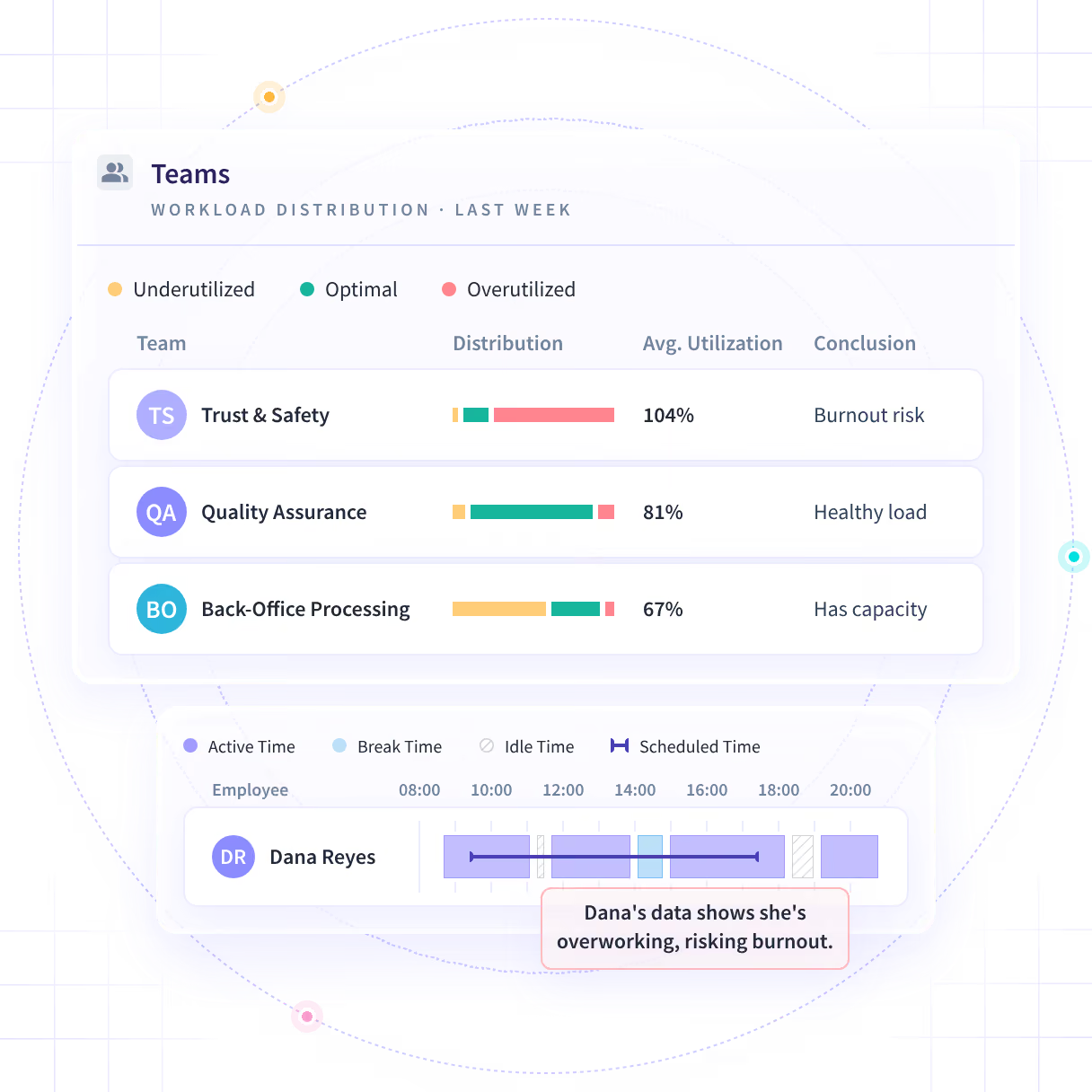
Open the hours of the team that looks fine
Hours land on the record as the work happens, so the evenings a team spent hitting its dates are already there. Nobody has to fill in a form for them to count.
- The team that hit every date, and the one person on it working every evening
- Reported by team. Reading one person is a choice you make, not the default
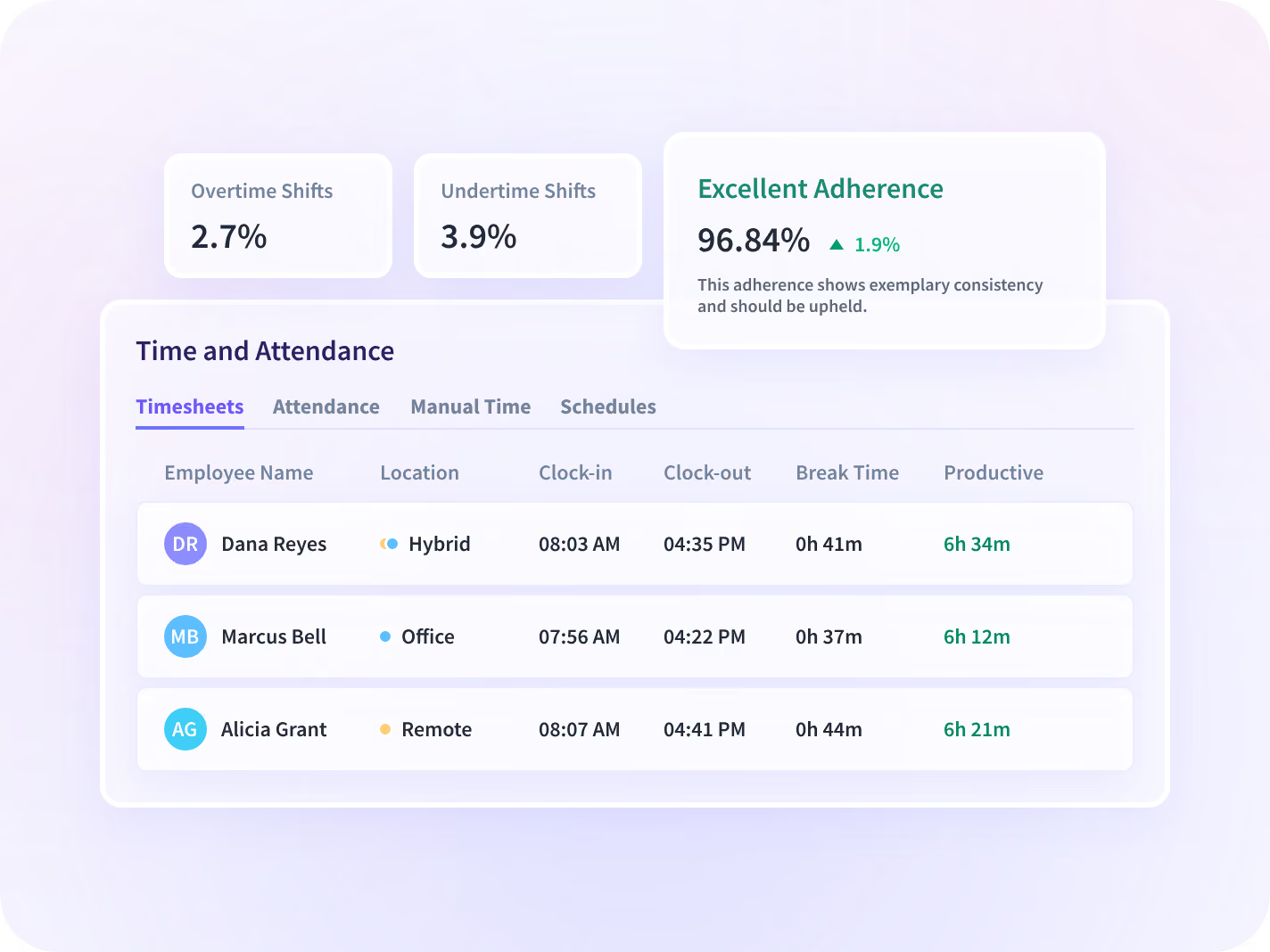
Tell a busy week from a month that keeps climbing
Every number comes with its change against the same weeks before it, so four rising weeks read as a climb rather than one bad Friday. There is no score on it anywhere.
- One team, four weeks, each one higher than the week before it
- You get a team and a date to ask about, never a verdict on a person
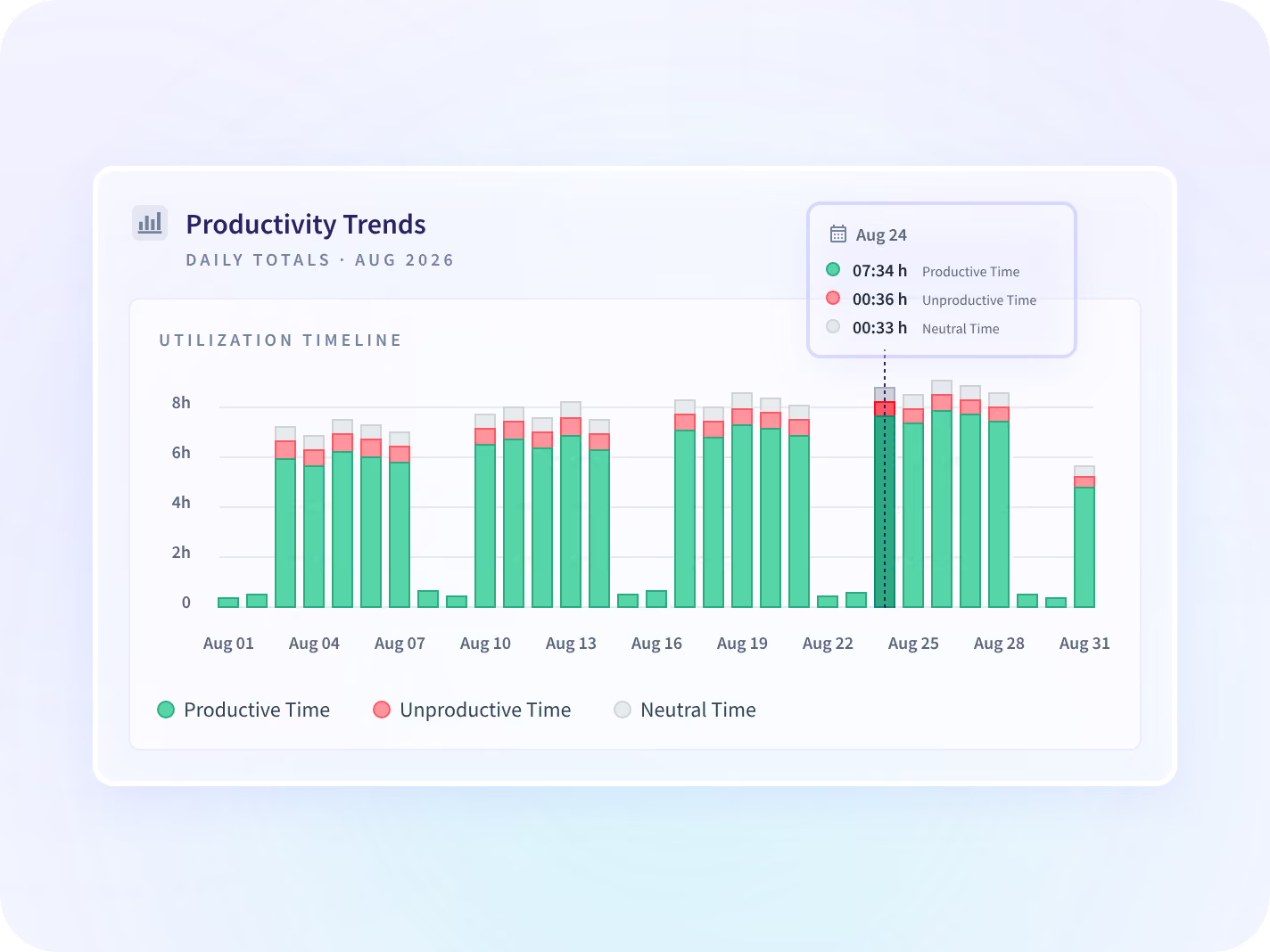
Look at last month while you can still act
Come to the conversation with more than a hunch
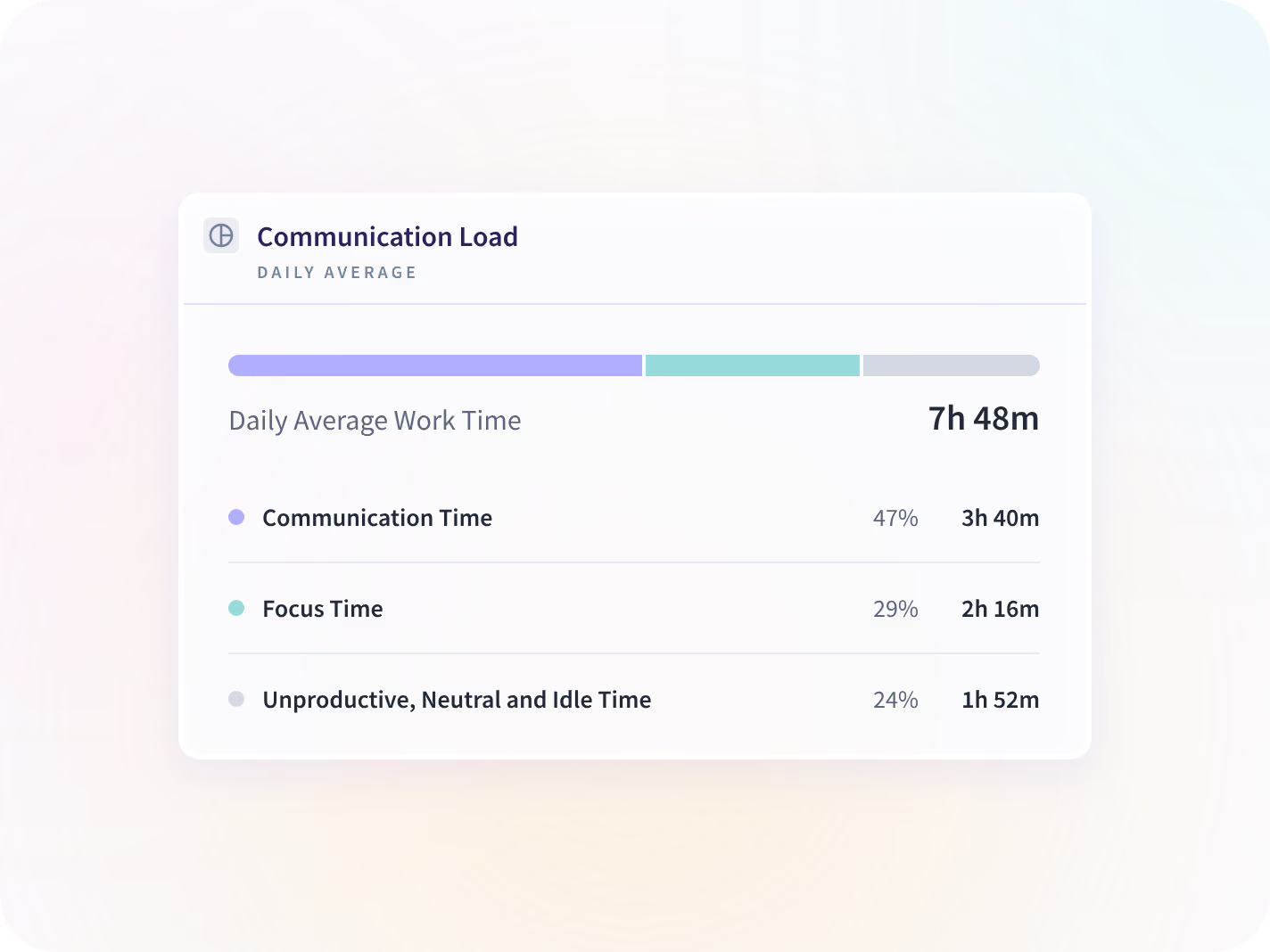
Meetings, calls, messages and email are counted against the hours spent on the work itself. It counts that a message happened, not what it said.
- A team that lost half the month to meetings needs a different answer
- Nobody reads a message, a subject line or a document to produce this
Check whether the remote days are the heavy ones
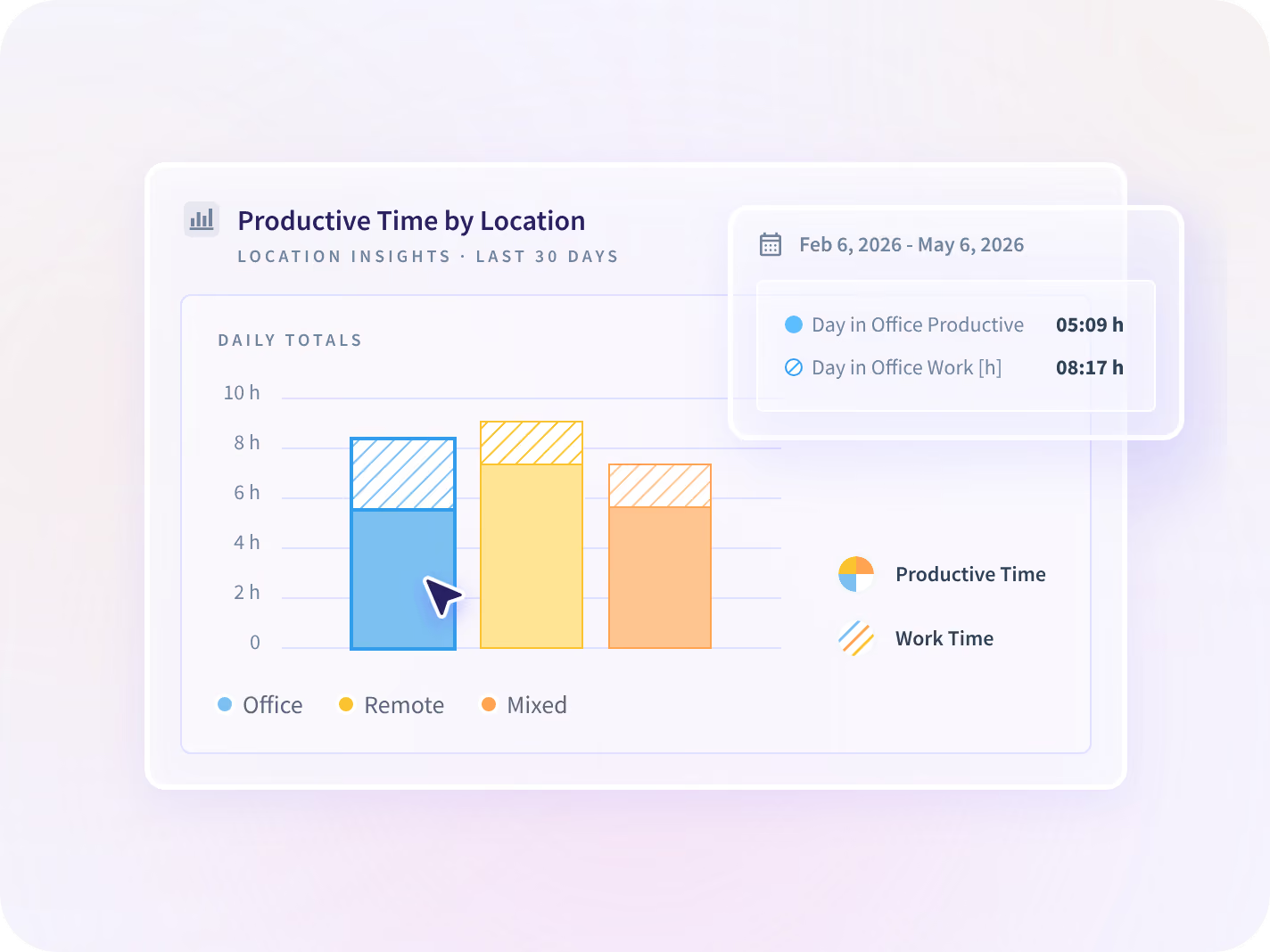
Hours and productive time sit side by side for office days, remote days and hybrid days, at team level. The day type comes from the network a computer is on, not from GPS.
- Peach Payments runs remote-first and its own case study puts 40% growth down to it
- No field anywhere in the report says where a person is, at any level
Nothing here scores a person's chance of leaving
No model, no score, no ranking. You get hours, productive time and meeting and message load, each one beside the same weeks before it. What a rise means, you find out by asking.






Whose load is rising, and how long it has been
On their own, each report answers half the question. Read together they tell you which team's load is climbing and what is behind it.

Who is carrying more than the rest?
Hours and productive time for everyone on a team, against the weeks before.

Is it the meetings or the work?
Meetings and messages counted apart from the work, so the answer matches the cause.

Did anything change after we moved work?
The question that comes after this one, and the page that answers it rather than this one.
Teams that stopped guessing at workload







The systems that know who is on leave, connected
Insightful syncs time-off status and manager scope from Workday, Microsoft Entra ID, BambooHR, and other platforms, so a week of leave does not read as a drop. You can talk to your work data with MCP connectors.


Have the conversation before the notice
What HR leaders ask us most
No. There is no score, no model and no prediction here. Insightful reports what the work looked like: hours, productive time, meetings and messages, and hours outside the schedule, each measure against the weeks before. Whether a rise means somebody is unhappy is something you find out by asking them. If you want a tool that ranks people by flight risk, this is not one, and that is deliberate.
Employee retention software helps you work out why people leave and act before they do. Most of the category runs on HRIS records and survey answers. Insightful is not one of those tools. Insightful is a work insights platform. It collects hours, application use and meeting load from desk-based teams and reports them by team, each measure against the period before. On this job that is the workload underneath the retention question, read from the work itself rather than from a survey, so an uneven spread is visible while moving some of it is still an option. It is one input into the question, not the answer to it.
Four things, and each has a report behind it. Open the hours of the team that looks fine, because a team hitting every date is the one nobody checks. Read four weeks against the four before them. Count the meetings and messages apart from the work, so the answer matches the cause. Then check whether one kind of day is taking the extra, and have the conversation with the employee reading the same record you are.
It is a fair worry, and it is why the default is team level and against the weeks before rather than a live number anybody is chasing. Hours on their own can be gamed. How the work sits across a team over a quarter is much harder to stage, and nothing here rewards looking busy.
Team level by default. The question is how work is spread, not how one person performed. What is collected is agreed per team before anyone installs anything, which is the collection scope, and finding who took on the extra does mean reading across a team, which is the one place this gets personal. In a visible rollout each person can open their own record.


