.svg)


Verify collection scope, audit trails and residency before you sign
You're expected to sign off on what a vendor collects, but its feature sheet can't show what a rollout will capture. Insightful documents collection, storage and access per group, so you approve a written scope.


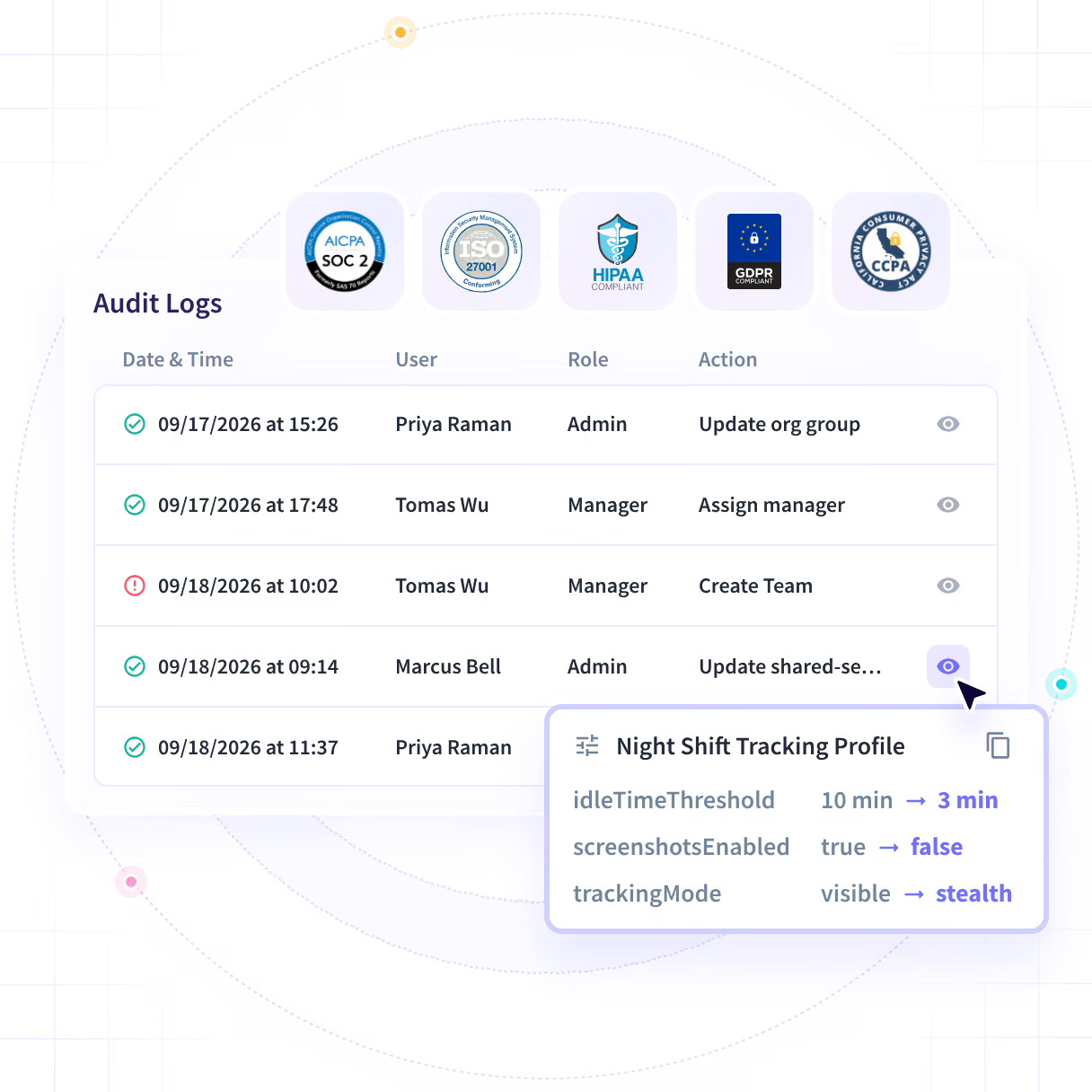










Turn a vendor's feature sheet into a scope you can approve

Without Insightful

Employees use private ChatGPT accounts on company work, and your license list shows only the tools you bought.
When a tip about shared logins or a second job comes in, you have no record to investigate.
Vendors state that their record can't be altered, and a data sheet can't prove that to a regulator.
Screen content captured by default can fail a labor-law review in countries such as Chile.
Some regulators set a fixed window to produce records, and a policy document can't produce them.

With Insightful

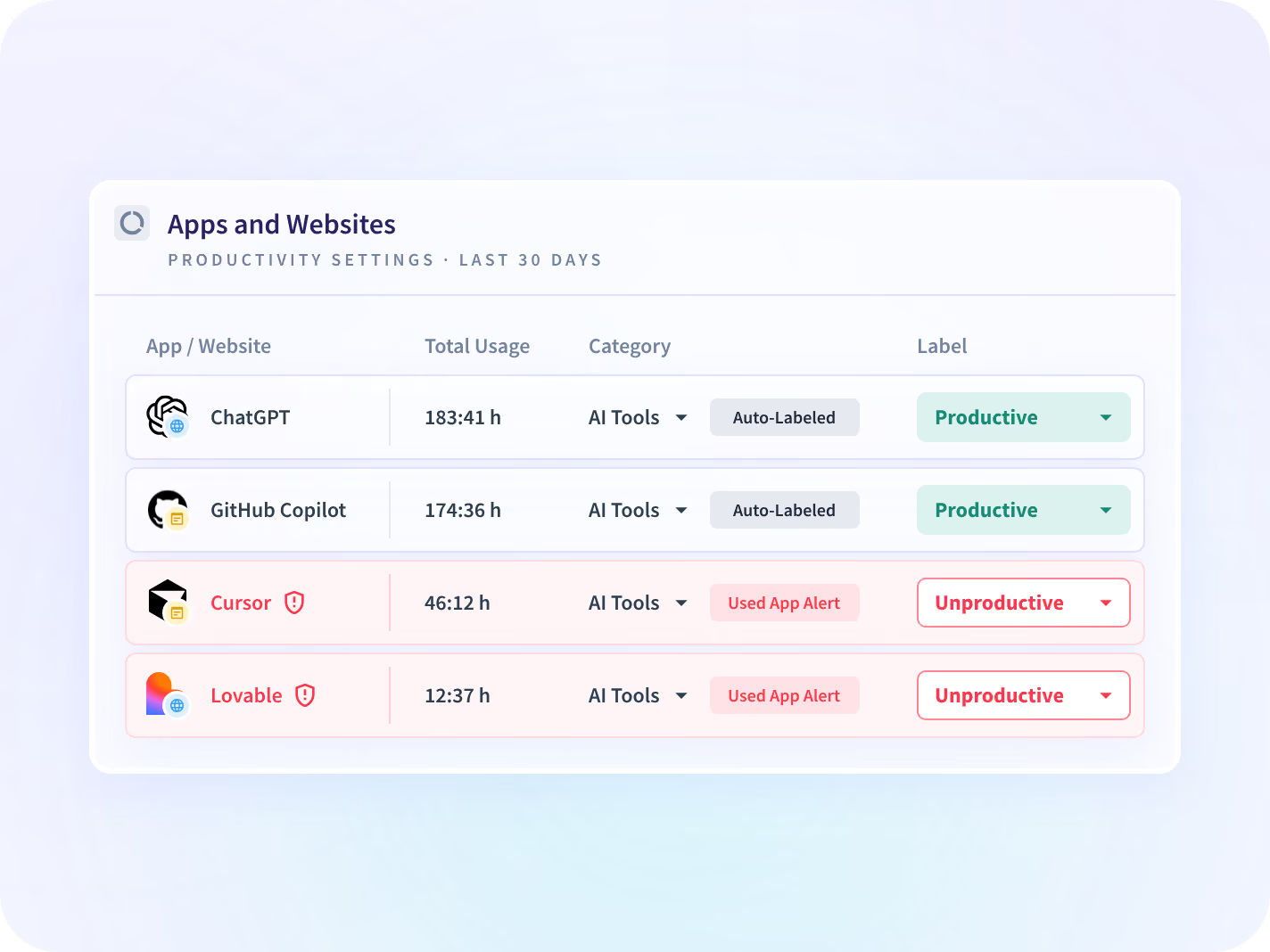
Apps & Website Usage shows each AI tool opened, by team and hours, without capturing prompts.
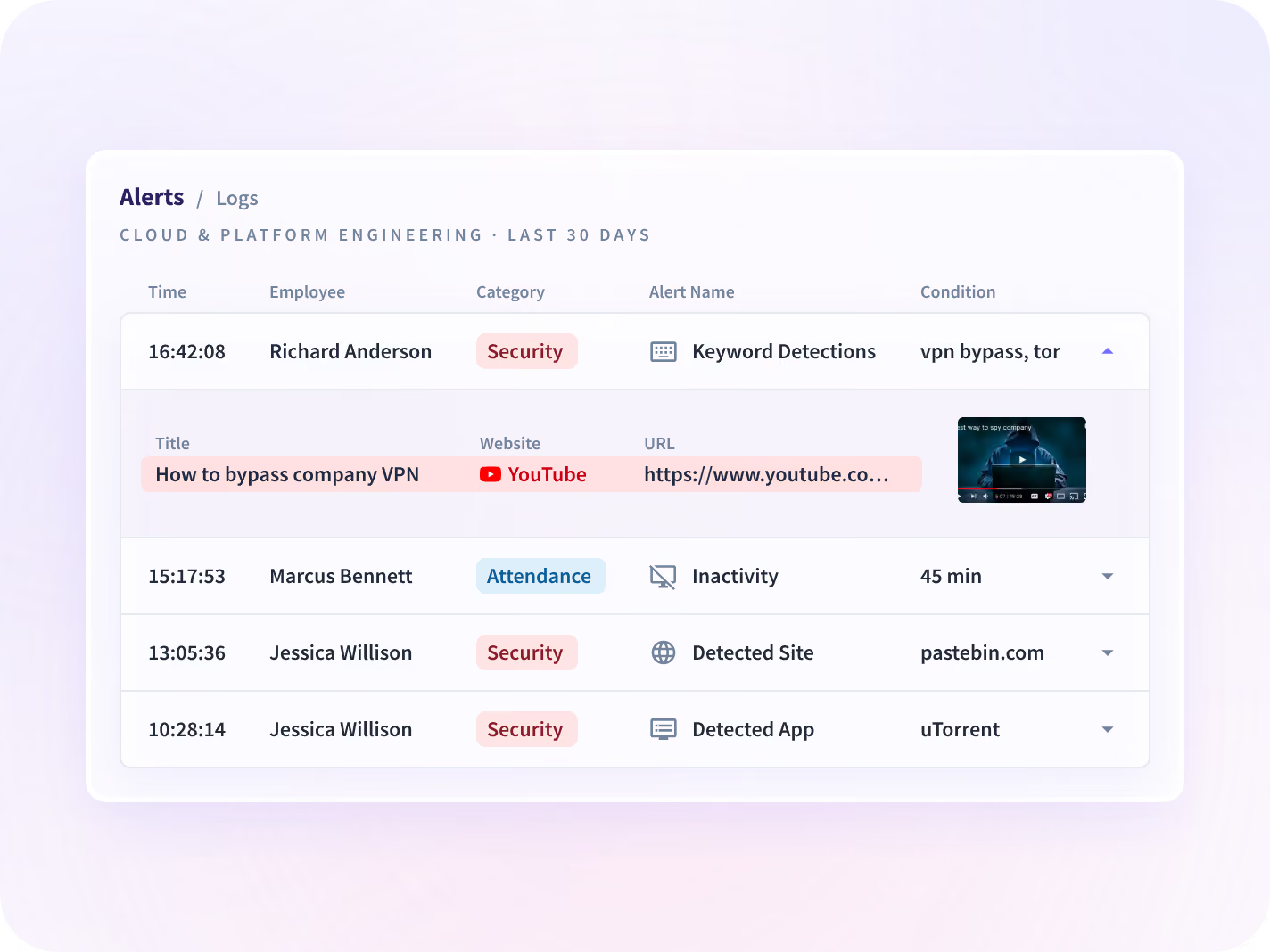
Insider Threat Detection alerts on detected apps, websites and window titles for the group you choose.
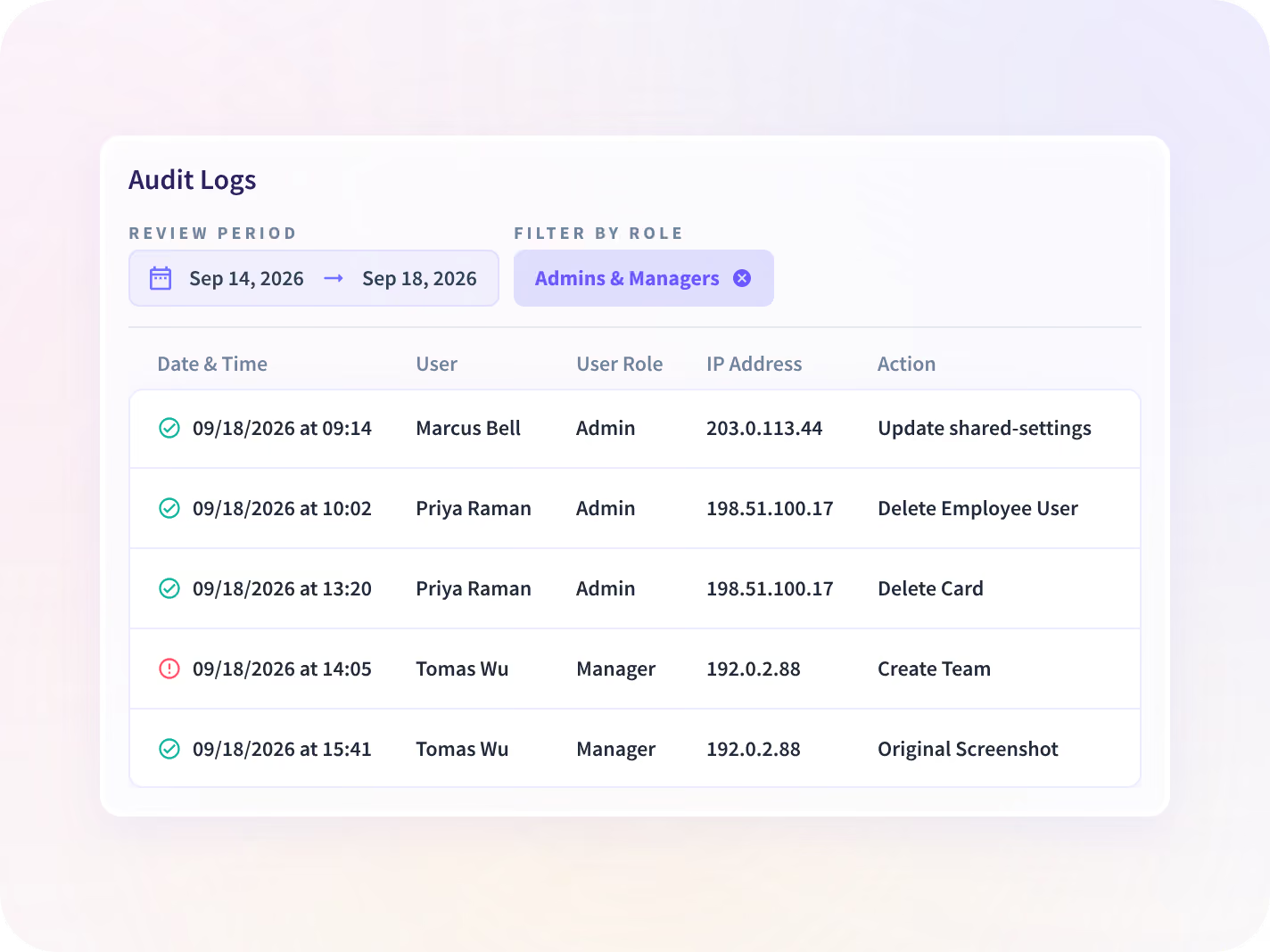
Ask for an Audit Logs export on the call, then check that it arrived unaltered.
Insightful lets you set screenshots, capture depth and data residency for each group, such as one per country.
Audit Logs and Time and Attendance export each change with the person's name and a timestamp.
Investigate one case at a time with Insider Threat Detection
Insider Threat Detection alerts on detected apps, websites and window-title keywords, and can take a screenshot when an alert fires. You can start on the seats one case involves instead of the whole company.
- Set alerts for a detected app, a website or a keyword in a window title
- Works from app names, window titles and URLs, and never records keystrokes
Find unapproved AI tools in use with Apps & Website Usage
Apps & Website Usage lists every app and website opened, with hours, by team. You can see which AI tools employees use on company work, approved or not, before you set a policy.
- See the apps your DLP misses, since DLP only flags data leaving the network
- Shows which AI tools are opened and for how long, never the prompts
Test the audit trail before you sign
Test the audit trail yourself with Audit Logs
Audit Logs, an add-on, record every admin change with the admin's name, the time, and the old and new value. You can request an export on the call and check that it arrived unaltered.
- Export every admin change with the name, the time and both values
- Restrict who opens Audit Logs by role, apart from employee activity data
Match capture to each country's labor law
Insightful lets you set screenshots, capture depth and data residency for each group, such as one per country. You can approve a dated scope document for each group before the first install.
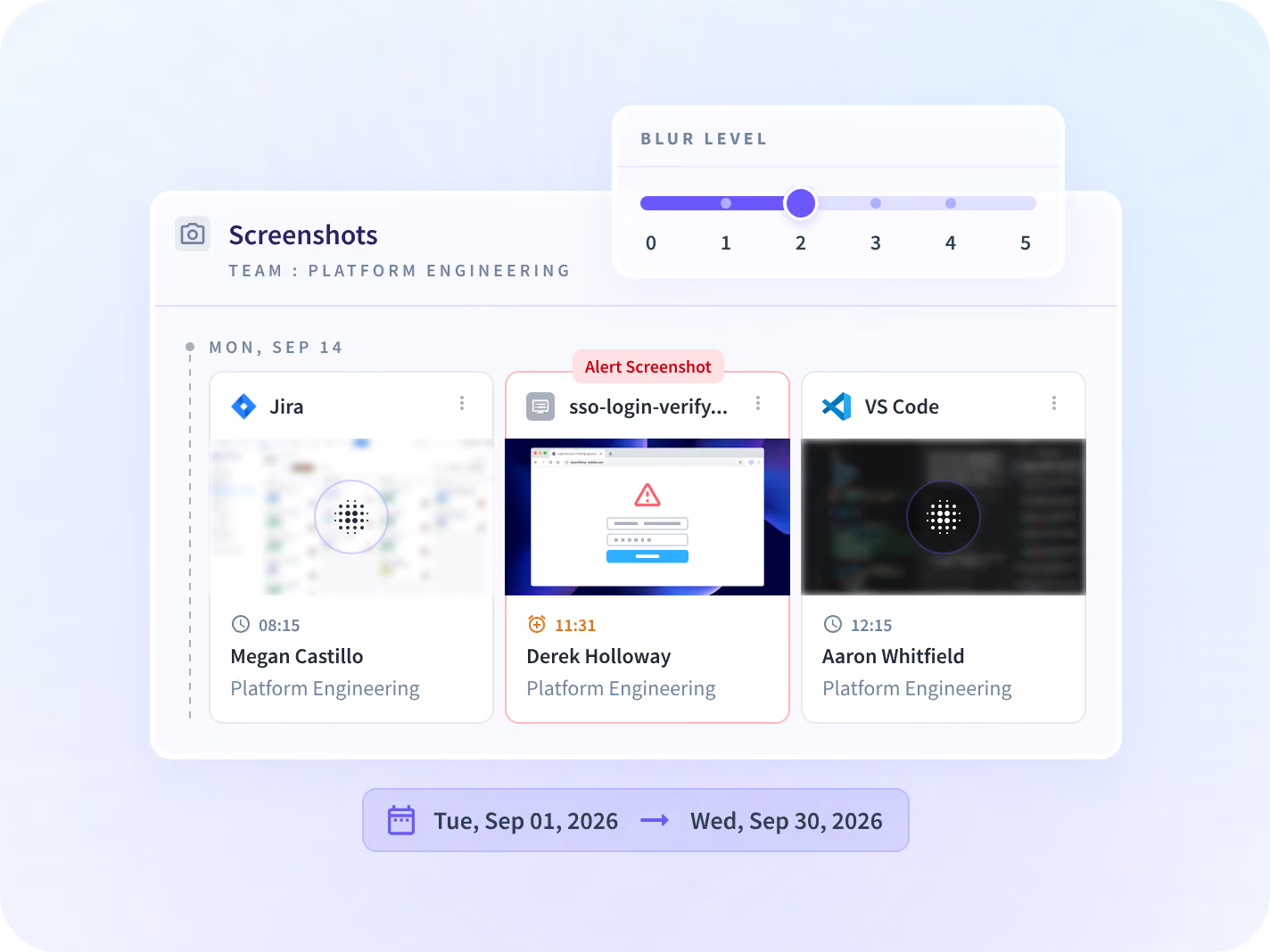
- Turn screenshots off, or blur them, per app, per team or per person
- Choose visible or hidden deployment for each group, with visible recommended
Give every level of security the same evidence
Security managers use Insightful to investigate a case and find unapproved AI tools. CISOs and compliance leads use the same record to test the audit trail and approve the scope.

Investigate a tip on only the seats involved
When a tip comes in, you already have alerts on detected apps, websites and window titles for the seats in the case.

Show auditors every admin change, by name
When an auditor or regulator asks who changed a setting, you already have the admin's name, the time and both values.
Check what we collect and who can change it
Your review will ask what is collected, who can change the record and where data is stored. We share SOC 2 Type II documentation under NDA, and you can test the audit trail on the call.






Three questions security leaders ask before approval
Each question has its own page. Together, they give your review the AI tool list, the program scope and the notice employees receive.

Which AI tools do our employees use?
See every AI tool opened, by team and hours, before you decide which ones to approve.

How do we scope an insider risk program?
See which groups, seats and capture settings to set before any data is collected.

How do we explain this to our people?
See what each employee can open in their own record before the pilot starts.



Every identity system and endpoint tool you run, connected
Insightful installs through Active Directory, RMM or MDM, and connects to your identity provider. You can also query your data with MCP connectors.


Stop approving a vendor from its feature sheet
What security leaders ask us most
Insightful collects hours, app and website use, and meeting load, and you can test its audit trail on the first call. Insightful is a work insights platform. It collects hours, application use and meeting load from desk-based teams and reports them by team, each measure against the period before. It never records keystrokes, passwords, message or document content, audio or video. Ask us to export an Audit Logs record to you during the call, and check that it arrived unaltered.
In the US, the EU or Saudi Arabia, or on your own servers with on-premise deployment. Data is encrypted with AES-256 at rest and TLS 1.2 in transit, and keys are held in Google Cloud KMS. Canada residency is not available, so confirm your region with us before your data protection officer asks.
Yes. You set scope, capture depth and deployment for each group, so one program can run in countries whose labor law differs. You can start an evaluation on only the seats one case involves. Each group needs its own scope document, and someone on your team keeps those documents current.
Insightful is certified for SOC 2 Type II. It is compliant with HIPAA, GDPR and CCPA. We share the SOC 2 Type II report and compliance documentation under NDA.
This page covers what you approve before deployment: collection, scope, residency and the audit trail. Insider Threat Detection covers alerts on a specific risk, such as a detected website, for the group you choose. If a program depends on keystrokes or message content, Insightful will not support it on any plan.


