.svg)


Workforce Scheduling Software: Spot Overtime, Undertime, and Absences Automatically
Ditch manual shift verification for good. See schedule adherence in real time: who worked their expected shift, and who didn’t. Get customizable schedules that adapt to your distributed, desk-based workforce.


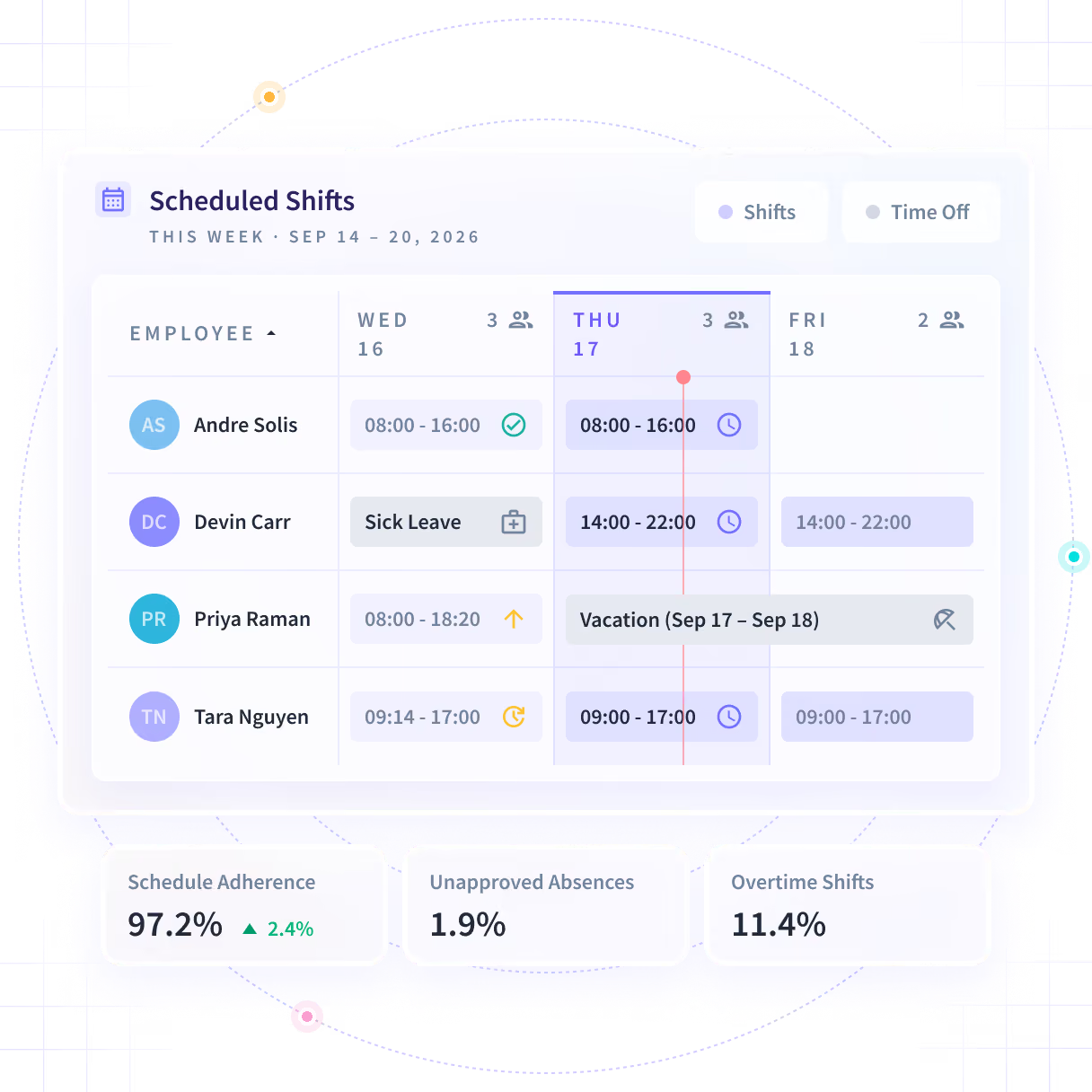










Scheduling shifts is one thing. Checking adherence is another.
Shift planning is only half the battle. Without a way to see verified hours worked, issues like coverage gaps, overtime, and absences only show up at payroll close. After the cost is already on the books.

Gaps found too late
Manual scheduling leaves an uncovered shift, and the first signal is a missed SLA.

Managers lose time verifying
Without automatic time tracking, managers drown in manual checks.

Problem trends go unseen
Repeat absences, overtime, and undertime remain buried within large or distributed teams.

Scheduling can’t keep up with unique shifts
Not everyone works 9 to 5. Inflexible scheduling loses sight of swing shifts and edge cases.
A wide sample of the day, or the minute that matters
Screenshots on the schedule you set, one on demand when a question will not keep, and short video when a single frame cannot answer it. Every one arrives blurred.


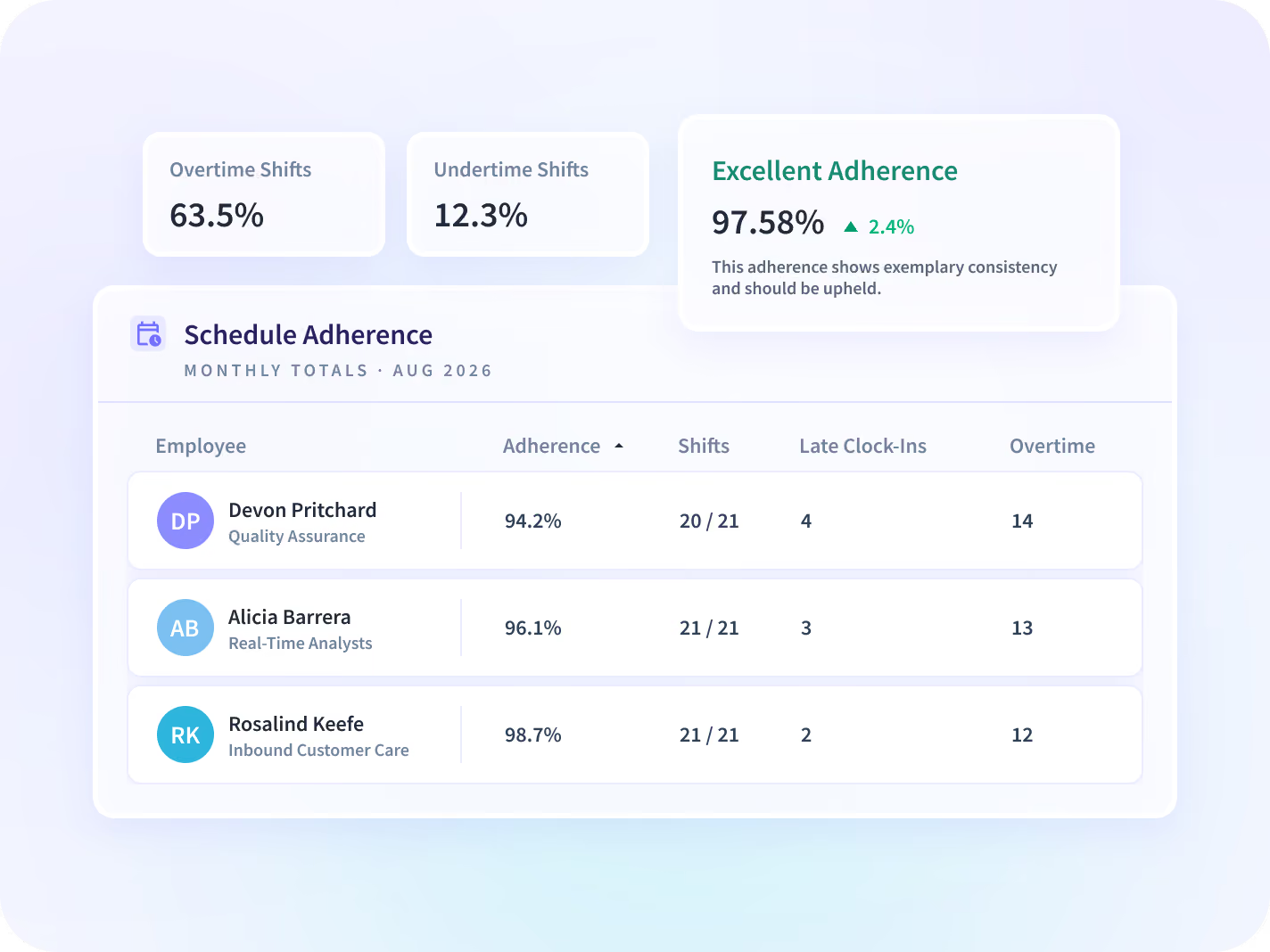
Finance and operations see over- and undertime against plan, while team schedules can still be changed. That turns an after-the-fact labor cost conversation into a decision made the same week.


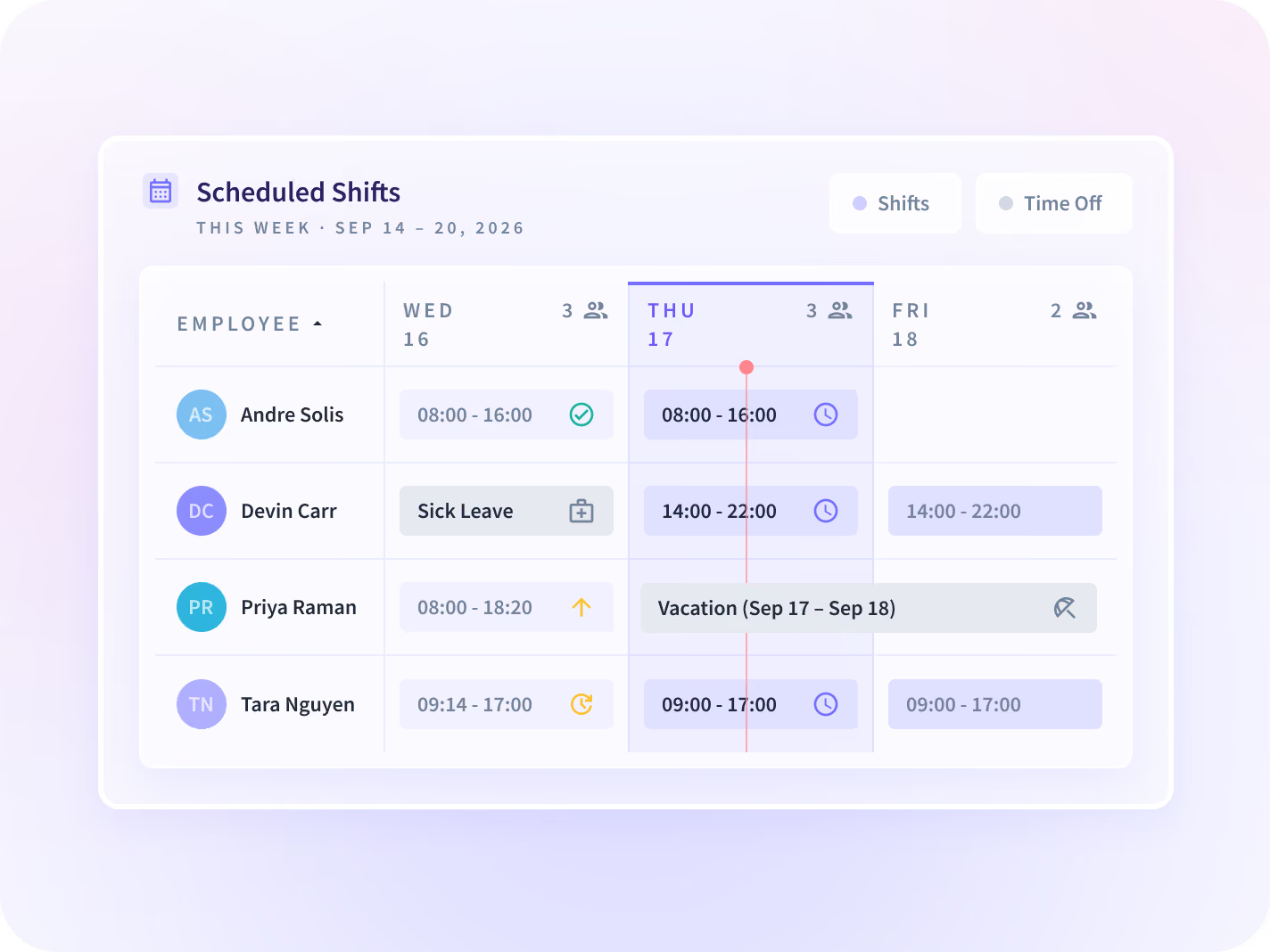
Ops leads match planned coverage to forecast volume across queues, then see where planned hours and worked hours diverge. Shift scheduling with Insightful puts both numbers on the same view.


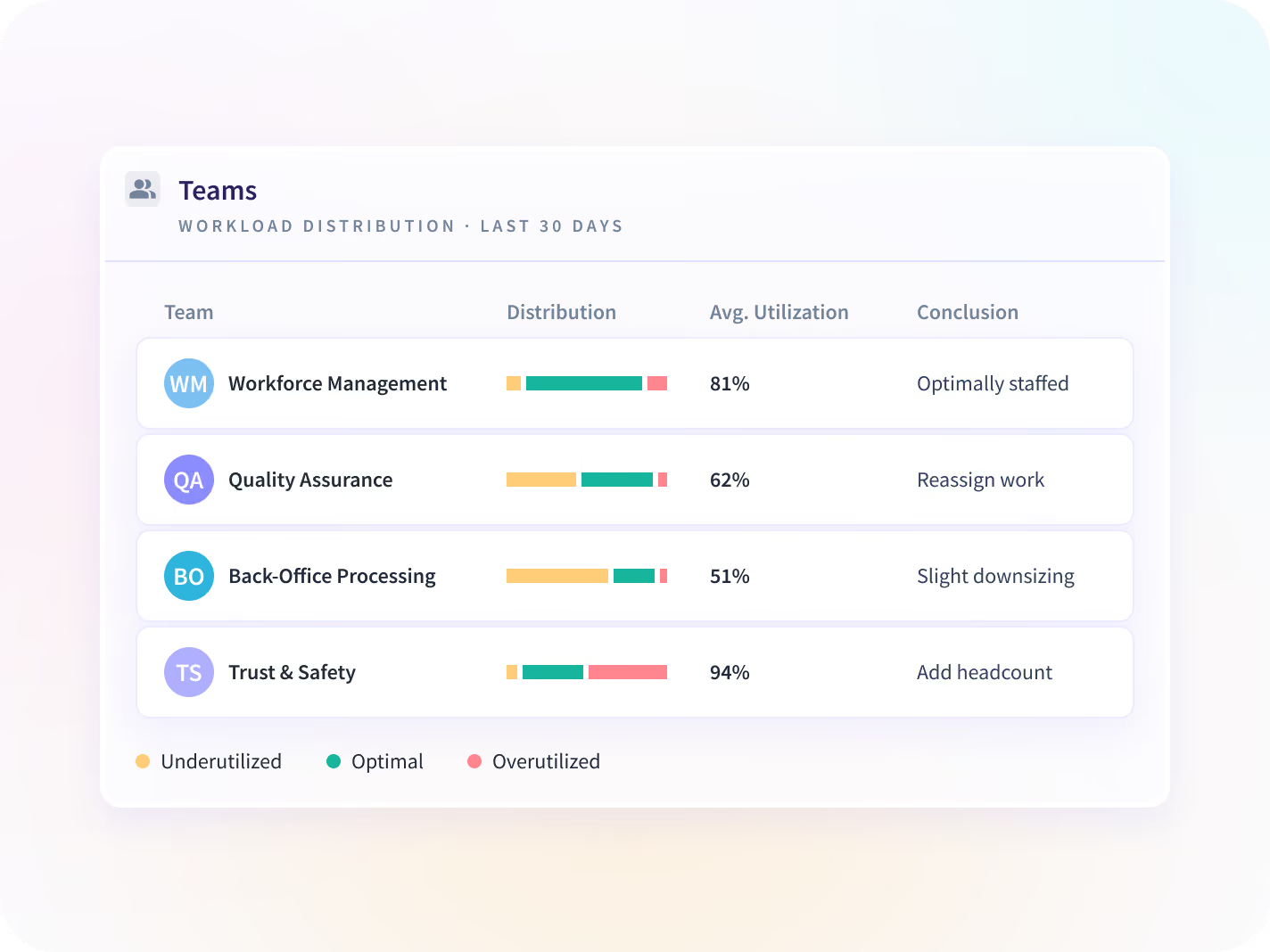
With automatic time tracking linked to schedules, managers can tie time data directly to productivity. Redesign schedules, move work from overloaded to underutilized teams, and get faster execution without adding new hires.
Trusted by 5,000+ Teams Worldwide








Schedule and verify, side-by-side
FAQ
Workforce scheduling software is a tool that assigns shifts to employees and teams. Insightful combines workforce scheduling with automatic time tracking and productivity analytics to show what was actually worked against planned hours.
Yes. Each shift carries its own time zone, and start and end times are shown in the employee’s own time zone across scheduled shifts, timesheets and timelines. A flag appears when an employee's time zone changes during a shift.
Yes. Whole schedules can be imported at once from a CSV file, and overlapping entries are either skipped or overwritten at import, depending on the option selected.
Yes. Scheduling is permission-based, so only admins and managers granted scheduling permission can create, change or remove shifts, and a manager's access follows the teams assigned to them. That control is the main reason teams move from manual rosters to employee shift rostering software.


