.svg)


Improvement: Avoid going idle during meetings
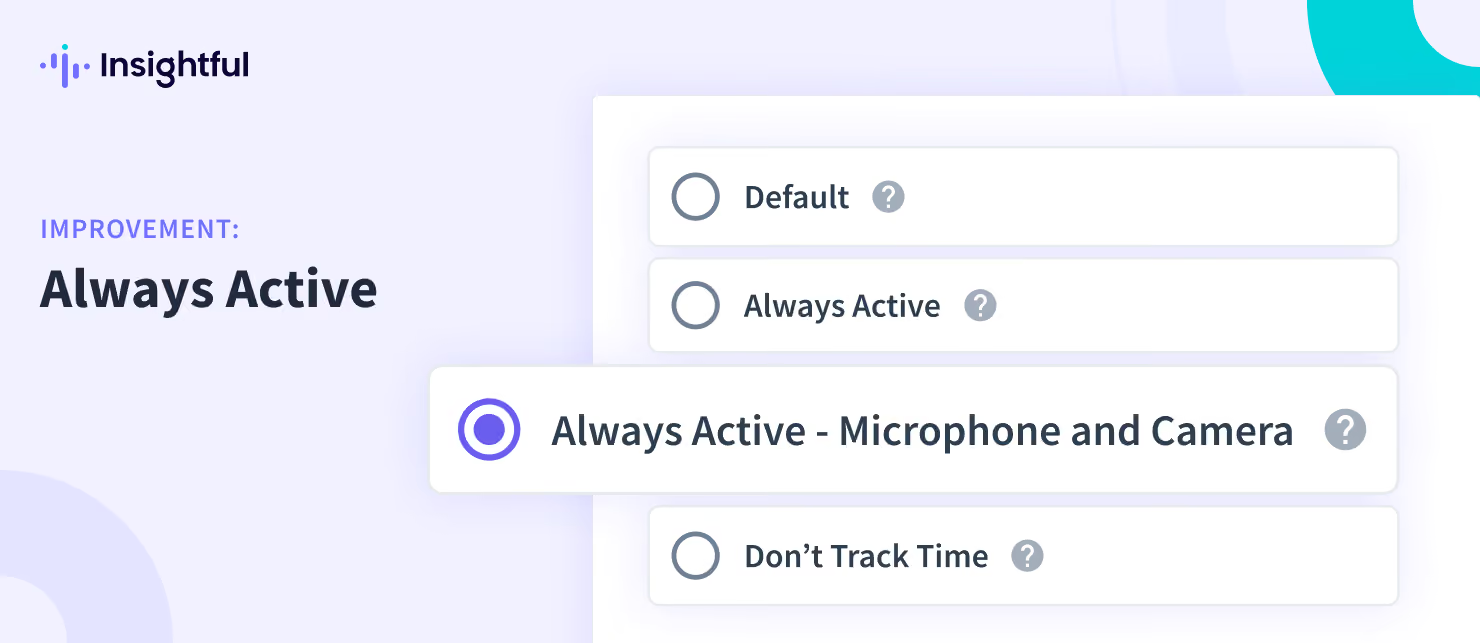
With our recent release, we have made a major improvement to the current settings that allow you to categorize apps and websites as 'always active' only when the microphone or camera is in use. Now users have the option to choose from: Default (tracking mouse & keyboard activity), Always active, Always active - Microphone and Camera, Don't track time. Once you select the 'Always active - Microphone and Camera' setting, Insightful will consider an app or website always active when a microphone or camera is detected.