.svg)


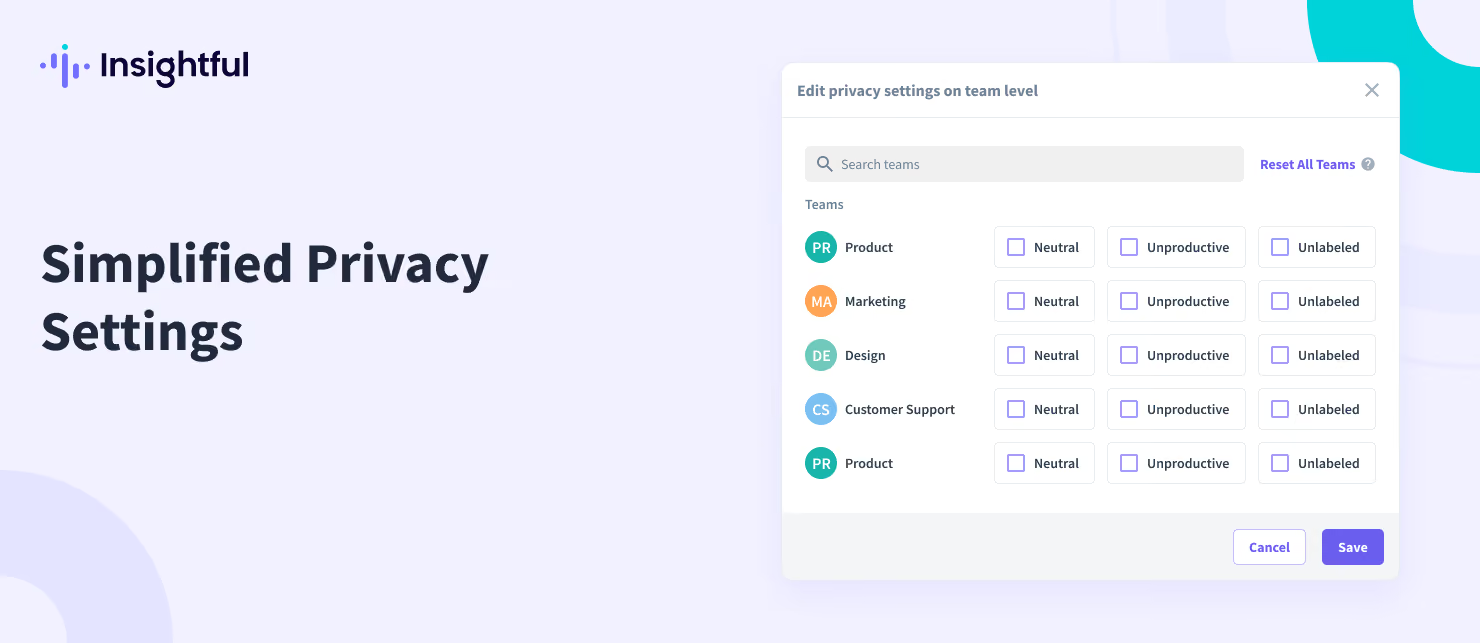
Edit Privacy Settings on Team Level
Edit team settings more conveniently.
We've created a centralized place for handling team privacy settings. You can still edit privacy settings via the separate individual Team Page, as you're used to. However, now you can also manage these settings in a centralized place, allowing you to configure privacy settings for all teams within a single window.
To access team settings: Go to Productivity Settings Page → Apps & Websites Tab → Click on 'Edit Privacy Settings on team level'. Or, go to Individual Team Page → 'Edit Privacy' Button → Click on 'Open Team Settings'.