.svg)


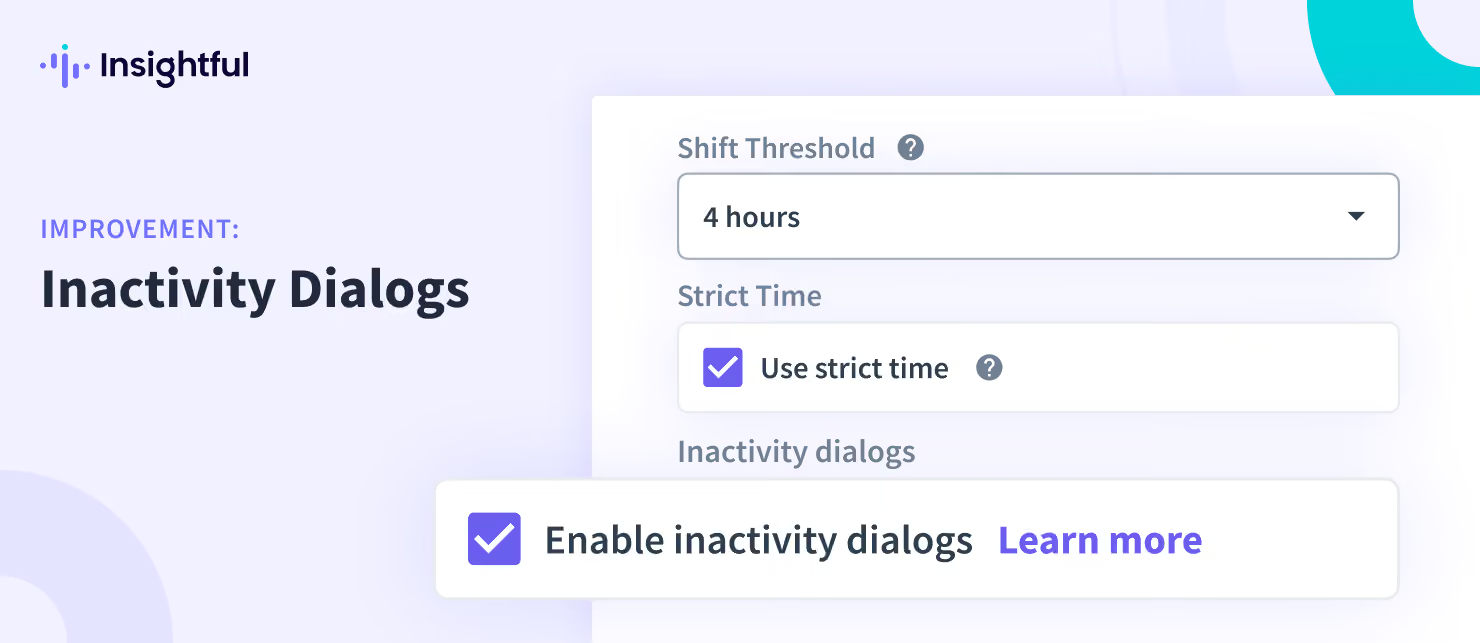
Admin Control Over Inactivity Dialogs for Employees
With recent improvements, admin users now have the ability to choose whether or not to display inactivity dialogs to their employees.
Previously, inactivity dialogs were shown to every employee on a daily basis once they became idle. With this release, we are providing admins with flexibility in deciding whether to show these dialogs or not.
By default, inactivity dialogs are enabled, which means that every organization will see these prompts until they are manually disabled. These settings are available only to admin users at the organizational level, found in Tracking settings → Advanced Settings.


