.svg)
Talk to Your Work Data with MCP Connectors
Connect Insightful to Claude, ChatGPT, or any MCP-compatible client. Get AI-assisted answers from your own live work data, with the permissions you already have in place. Your AI client gets secure, read-only access. You get self-serve, natural language workforce reporting. Available now on every plan.


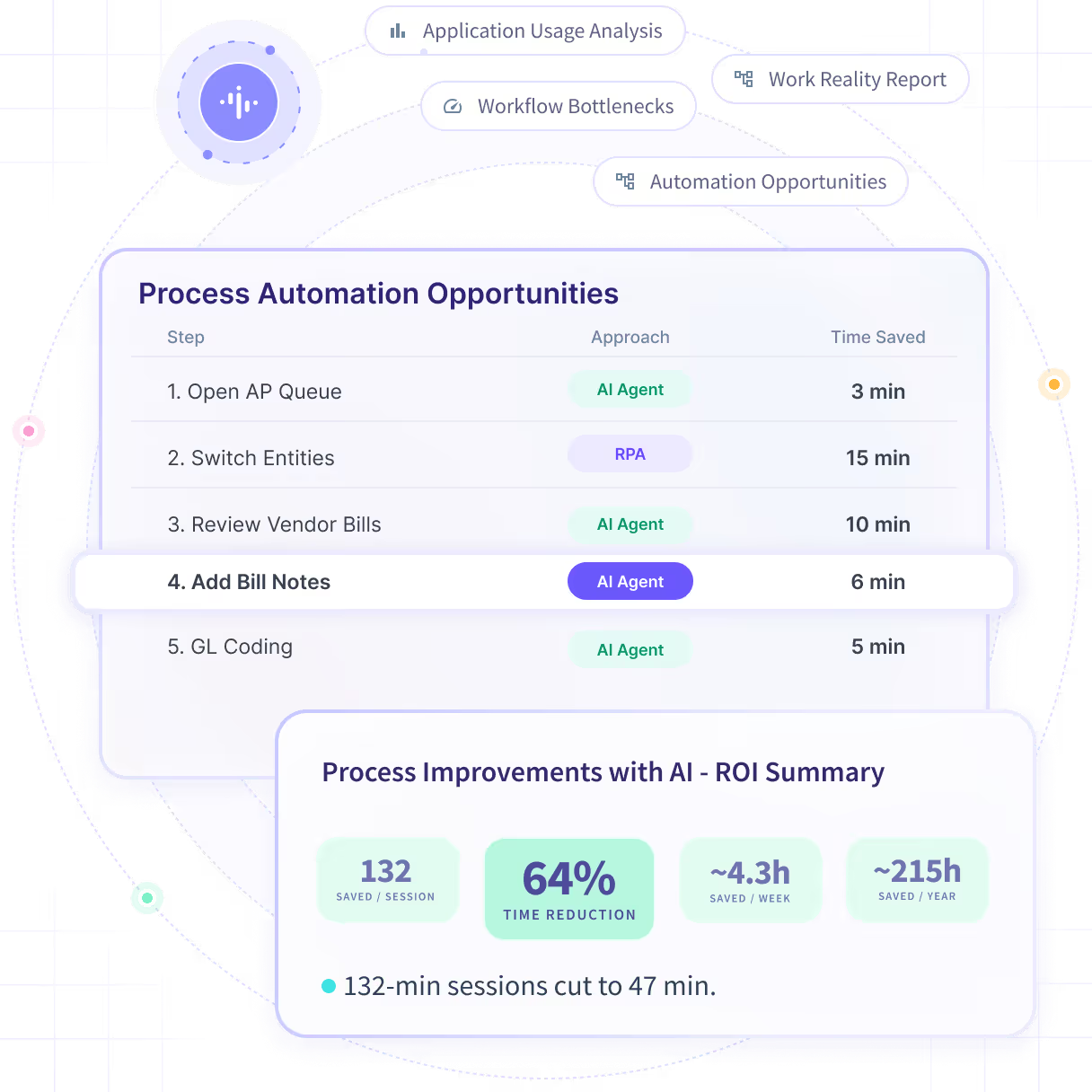










Your work data lives in dashboards. Your teams work in AI.
You already have the data. Now getting answers out of it is easier than ever. MCP connectors put live Insightful work data inside the AI assistant your teams already have open, auto-scoped to the permissions you already set. It’s self-serve access: authorized users get answers in plain language, no manual reporting required.


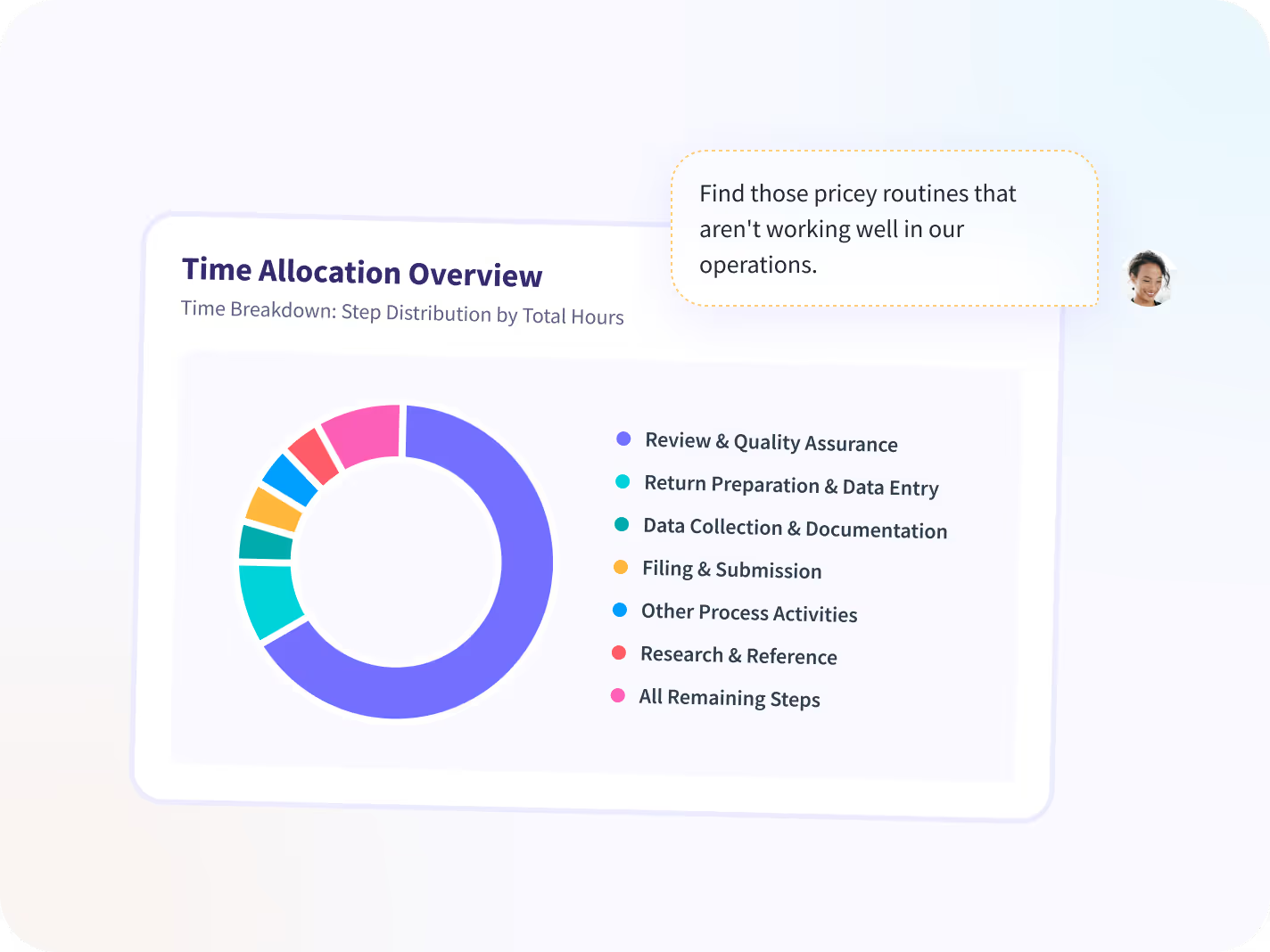
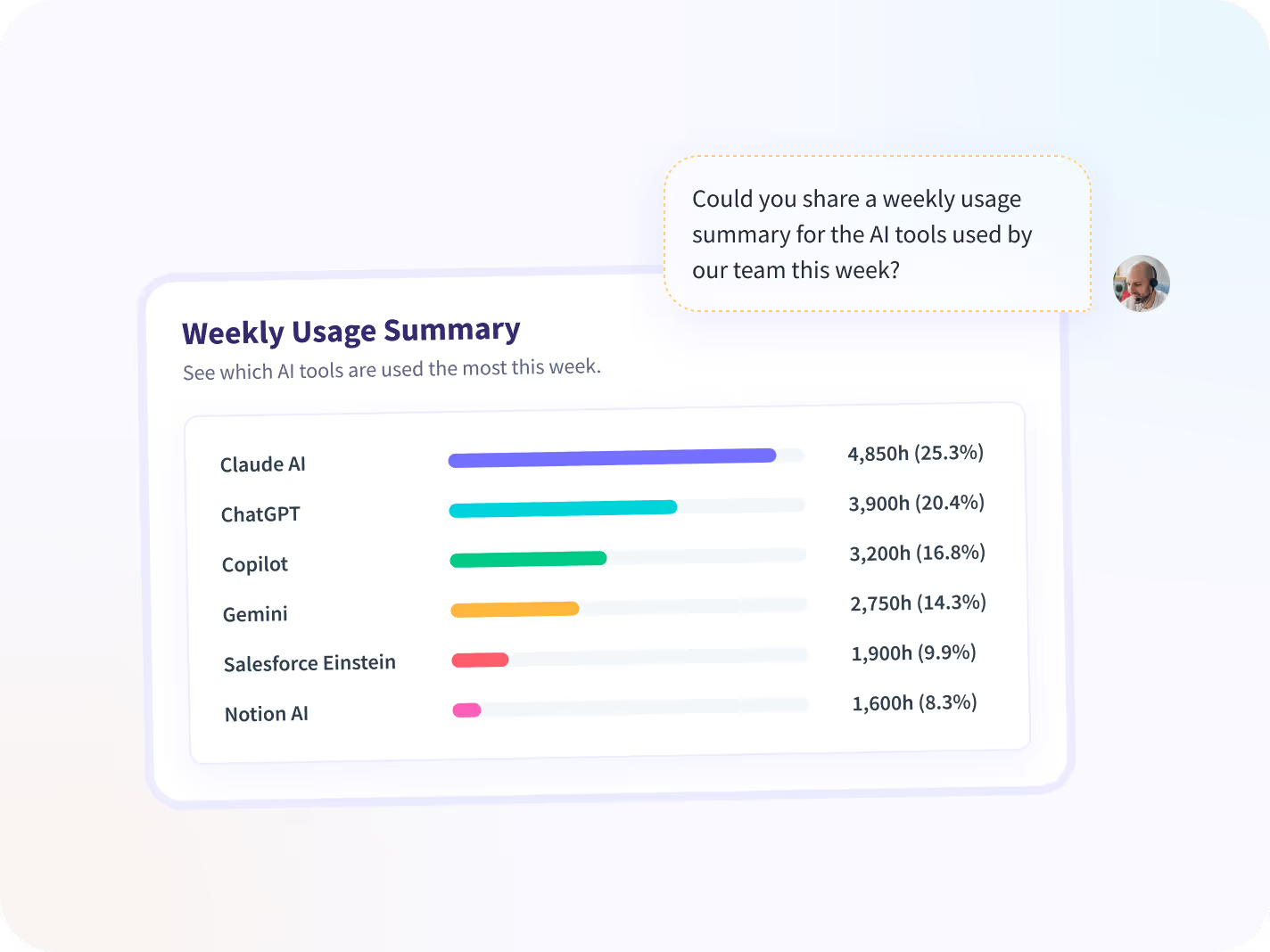
Get real-time breakdowns of productive time, utilization percentage, and more without ever leaving your AI assistant.


Surface attendance exceptions and irregular-behavior alerts the moment you think to ask, not on the next reporting cycle.


See where overtime and workload are concentrating across teams, before it shows up as attrition.


Compare performance across teams to find what your strongest workflows do differently, then replicate them.

How MCP Connectors work
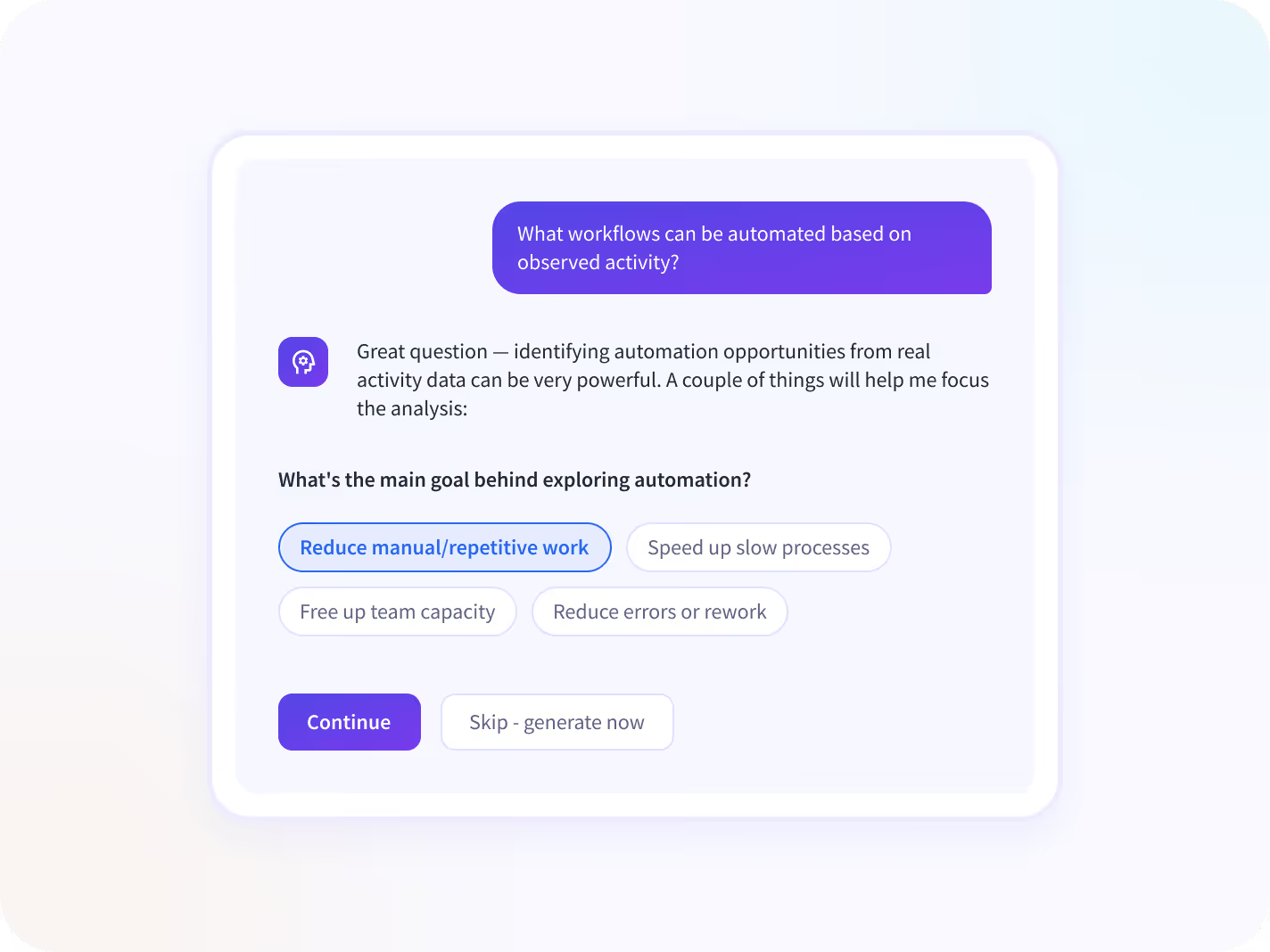
Combine Insightful with other sources connected to the same AI client. For a Claude connector or ChatGPT connector, simply copy your endpoint, paste it into the respective tool’s connectors settings, and authorize. For most other MCP clients, just add the endpoint to your MCP tool’s config file, and approve access. Then you’re all set to ask any questions about your work data.

Connect
Add Insightful in Claude, ChatGPT, or your MCP client

Authorize
Sign in once, scoped to your existing role

Ask
Live work data, answered in conversation

Combine
Insightful alongside Jira, Salesforce, HRIS, and more

Everything your AI assistant can reach
Six data domains, each one scoped to what the connected user can already see in Insightful. You opt in to have your own AI tool read your workspace to answer your questions. It’s privacy-first by design: no data goes to Insightful's AI, and Insightful can't see the prompts you ask.

People & Structure
Employees, teams, org groups, and manager relationships visible to the connected user.

Time & Attendance
Shifts, clock-in and clock-out, timesheets, lateness, absence, overtime adherence, and tracked-time summaries.

Productivity & Utilization
Productivity-level breakdowns by employee, team, day, project, or task, with per-app labels and utilization percentage.

App & Website Usage
Which apps and sites were used, and for how long, by employee, team, or time period..

Projects & Tasks
Project and task lists with the time logged against them, for teams using Project Management.

Alerts & Exceptions
Attendance and security alert history, including irregular-behavior alerts.
Live Questions, Live Data
Query workforce data with the AI assistant you already use, without dashboards or manual reporting. Admins who connect can ask about the entire organization: every team, group, and employee. Managers can only ask about the employees, teams, and groups they already manage.

- Which teams lost the most productive time last week?
- Why did utilization fall in Customer Success?
- Which projects went over their estimated hours?

- How did my team do last week compared with the month before?
- Who is over budget on their project hours?
- Show me yesterday's attendance exceptions.

- Break down the last 30 days of time by project, then by task.
- Run our weekly productivity report and tell me what changed.
- Which departments shifted the most time into new tools this quarter?

- How do delivery hours compare with our open Salesforce deals?
- Which Jira workloads are absorbing the most engineering time?
- Do the teams with the highest utilization also carry the most overdue tickets?
Connect to your AI tools simply
Built to sit inside your current stack
Insightful connects to 50+ tools across project management, HR, and communication, with an open API behind all of them. MCP integrations extend that reach to the AI clients your teams work in, without a new data pipeline or a second permission model to maintain.


Trusted by teams who value clarity, speed, and AI integration with governance



Terei Asido
Senior Director, IT Systems and Cybersecurity, Data Privacy Officer, Luckwell Business Solutions


Dave Miles
CIO, Oklahoma Heart Hospital


Senior Operations Leader
Global financial intelligence

Start Your Data Dialogue
FAQs
MCP, the Model Context Protocol, is an open standard that lets AI assistants securely connect to business software. An MCP server is what an application exposes so assistants can reach it. Insightful's MCP server lets Claude, ChatGPT, and other clients read your work data to answer your questions.
Yes. MCP and the Insightful API run on the same system and the same permissions.
MCP security is through OAuth sign-in, role-based access, and an admin kill-switch. Your password and API keys are never shared with the AI tool.
Claude and ChatGPT are the two primary connectors. Any client that supports remote MCP servers with OAuth also works.
Yes. Any MCP-compatible client that accepts a remote server URL will connect, including Cursor, Claude Code, and Windsurf.
Add Insightful as a connector or data source in your AI client, then complete Insightful's standard sign-in and authorization flow. Setup takes a few minutes and needs no engineering work.
Every plan. There is no separate AI package and no Enterprise gate. Connectors are switched on by a billing admin in the Connected Apps dashboard.
Yes. The first release reads and analyzes data. It cannot create, edit, or delete projects, schedules, alerts, or settings.
Admins and managers. Admins can ask about the whole organization. Managers can only ask about the employees, teams, and org groups they already manage.
People and team structure, time and attendance, productivity and utilization, app and website usage, projects and tasks, and alert history, all within the connected user's existing scope.
No. The connector never exposes raw capture, even where your organization has those features enabled. It returns aggregated and summarized metrics only.
Yes. Each connection is tied to the person who created it, and admins can see, and terminate, every active connection in Settings.
No. Insightful does not process your data through its own AI as a result of this connection and cannot see the questions you ask. How your chosen AI provider handles the data is governed by your own agreement with that provider.
Results go to the AI provider you have chosen and authorized, to answer your questions. This is disclosed when you authorize the connection and covered in Insightful's data processing terms.
No. As always, you can use Insightful dashboards to access and analyze your data via our purpose-built interface. MCP Connectors sit alongside them as a plain-language tool.
Insightful provides separate endpoints for the US, EU, and Saudi Arabia. Use the one matching the region your organization's data is hosted in.