.svg)


Online vs. On-Premises Employee Time Tracking Software: Which Deployment Fits Your Team
Choosing between cloud and on-premises time tracking? Compare cost, security, data residency, and IT capacity to find the deployment that fits your team.




On this page
Measure the work, not the signal.
See productive time and utilization by team, not just what looks active.


Key Takeaways
- Online time tracking is faster to deploy and easier to scale, while on-premises gives organizations greater control over infrastructure, data, and maintenance.
- The right deployment depends on where employees work, where data can be stored, and your IT team’s internal capacity to support.
- Cloud deployment reduces infrastructure work but relies on the vendor for updates and hosting. Self-hosting gives you control but makes your organization responsible for uptime, security, and upgrades.
- Compare total cost of ownership over three to five years instead of looking only at the software license. IT time and infrastructure can change the calculation considerably.
- Security and privacy considerations don’t end with deployment. Whether software runs in the cloud or on your own servers, written policies about how data is collected and used are essential.
Online vs. on-premises: choose your deployment model early
It’s a common scenario: you can spend weeks comparing employee time tracking software, only to find that your security team won’t approve the deployment model.
Or you might choose a self-hosted system because keeping data in-house seems safer, only to realize that your IT team doesn’t have the capacity to manage ongoing storage and maintenance needs.
That’s why your deployment model shouldn’t be an afterthought. It affects who manages the system, where employee time data is stored, and how quickly you can get started.
Online deployment is usually faster and easier to manage. On-premises deployment gives you more control and can make sense for organizations with strict security or infrastructure requirements. Neither option is right for every team.
The right choice depends on how your team works, where your data needs to live, security expectations, and how much IT support you have available.
This guide focuses on time tracking specifically: the hours that feed payroll, client billing, and capacity planning. If you’re choosing a deployment model for employee monitoring more broadly, our guide to on-premise vs. cloud-based employee monitoring software covers that side.
What online and on-premises mean
Vendors don’t always use these terms the same way, so it’s worth defining them.
Online time tracking software, also called cloud-based, hosted, web-based, or SaaS software, runs on infrastructure managed by the vendor. Your employees access the application through a browser and, where required, install a desktop application on their devices.
The vendor typically handles the underlying servers, maintenance, updates, backups, and availability.
On-premises time tracking software, sometimes called self-hosted software, is installed on infrastructure managed by your organization. That infrastructure may sit in your own data center or another environment you control.
The practical difference is who’s responsible for running it. With online software, the vendor manages most of the infrastructure. With on-premises software, your IT team takes on much more of that work.
There are also models in between. Private cloud and single-tenant hosting can provide dedicated infrastructure while leaving some operational responsibilities with the vendor.
A browser interface doesn’t tell you which model a product uses. To find out, ask:
- Who controls the infrastructure?
- Where does the data live?
- Who handles patches and backups?
- What happens when employees are outside the corporate network?
- Who is responsible when something goes wrong?
Online time tracking: strengths and trade-offs
Online deployment is the default choice for many organizations, particularly teams with employees working across multiple locations. But that convenience comes with tradeoffs for organizations in highly regulated industries, or with strict data residency requirements.
Where online deployment wins
The biggest advantage is speed: there’s no need to procure servers, configure an internal environment, or run a lengthy installation project before employees can start tracking time. Once the account is configured, new employees can generally be onboarded without waiting for infrastructure changes.
That matters, especially for distributed teams with remote workers.
An employee working from home, a new hire in another city, or a contractor working elsewhere can usually log hours without connecting to the corporate network.
Online deployment also moves much of the operational work to the vendor. Infrastructure maintenance, patching, backups, uptime management, and product updates are typically handled as part of the service.
Updates are another advantage. New features and security improvements can be delivered continuously instead of waiting for an internal team to plan and execute the update.
For organizations with limited IT resources, that reduced operational workload can be as important as the software itself.
Where online deployment might not be the best fit
The trade-off is control. Employee time and activity data is stored on infrastructure managed by a third party, which can create additional requirements during security or procurement reviews, particularly for organizations handling sensitive workforce data.
Data residency can also matter. If your organization requires information to remain in a specific country or region, you’ll need to confirm where the vendor stores and processes data.
There's also vendor dependency: your organization depends on the provider’s availability, pricing decisions, product roadmap, support model, and continued operation of the service.
Bottom line: online deployment removes much of the infrastructure work from your team, but you trade some control for speed and convenience.
On-premises time tracking: strengths and trade-offs
With on-premises deployment, your organization gets greater control over the environment, but also takes more responsibility for running it.
Where on-premises deployment wins
The biggest advantage is data custody. Employee time records can stay within the infrastructure your organization controls, which can be an important factor during software approval for security teams with strict internal or regulatory requirements.
You also control where the infrastructure is located. If your organization has specific requirements around data residency, self-hosting can make those requirements easier to manage.
On-premises deployment can also work in restricted environments where internet access is limited or prohibited.
For example, an organization operating an isolated network may not be able to send employee activity data to an external cloud service. A self-hosted system can be designed to operate within that environment. If you run a fully air-gapped network, check each vendor’s connectivity requirements first, because some self-hosted products still need to reach the vendor for licensing.
Where on-premises deployment may not be the best fit
The same control that makes self-hosting attractive also creates more work.
Your organization becomes responsible for servers, application maintenance, patches, backups, uptime, system monitoring, and disaster recovery.
Having an IT department isn’t enough on its own. Your IT team needs enough capacity to manage another system, and if nobody has time to maintain it, an on-premises deployment can become an operational strain.
Upgrades can also take longer. Instead of receiving updates as part of the vendor’s normal release cycle, your team needs to test, schedule, and deploy them according to its own maintenance process.
Remote access can introduce another layer of complexity. Employees working outside the corporate network may need VPN or gateway access, depending on how the deployment is configured.
Bottom line: on-premises gives you more control over infrastructure and data, but that control comes with ongoing operational responsibility.
Factors that can help you decide
1. Total cost of ownership
Compare both models over at least three to five years.
Include:
- Software licenses or subscriptions
- Servers and infrastructure
- Hosting and storage
- Backup and disaster recovery
- IT administration
- Security and monitoring
- Upgrade projects
- Employee support
2. Actual IT capacity
Ask whether your IT team has room to own another system. Having IT staff and having IT capacity are different things.
3. Your specific compliance requirement
If someone says, “We need to keep the data on-premises for compliance,” ask which specific requirement creates that obligation.
Often the requirement is genuine, due to internal standards or regulatory requirements placed on certain industries. But in other cases, that assumption has become part of the procurement process without anyone checking the underlying rule.
4. Offline behavior and remote access
This matters for both models. For cloud software, find out what happens when an employee temporarily loses internet access: does time tracking continue and sync later, or do those hours need to be entered by hand?
For on-premises software, find out what happens when an employee is outside the corporate network.
5. Exit and data portability
Ask what happens if you change providers.
Can you export your employee and time data? In what format? Can you migrate between deployment models? How long does the export take?
6. Security review timelines
Deployment can affect procurement timelines significantly.
A cloud deployment may require a security questionnaire and vendor review. An on-premises deployment may require infrastructure, architecture, access, and internal security reviews.
Understand those requirements early so deployment doesn't become the reason a project sits in procurement for another quarter.
Matching deployment to how your team works
The best fit depends on how your team operates.
Distributed and remote-first teams
Online deployment is often the choice for distributed teams because employees can access the system without relying on the corporate network.
Prioritize:
- Regional data hosting options
- Offline tracking and sync
- Easy employee onboarding
- Support for multiple locations
- Minimal infrastructure dependencies
A self-hosted solution can work for remote teams, but make sure the architecture supports employees outside the corporate network without creating a VPN-heavy support burden.
Regulated industries and sensitive data environments
Organizations with strict security or data residency requirements may need more control over where employee information is stored.
On-premises or single-tenant hosting may fit those requirements, but confirm the exact obligation first.
Also check whether the vendor provides the same compliance documentation and security capabilities across its cloud and self-hosted deployments.
Small teams without dedicated IT
For small teams, online deployment is often easier to operate because it removes much of the infrastructure burden.
The evaluation should focus on setup time, employee onboarding, administration, support, and ease of use.
Self-hosting may appear attractive because it provides more control, but that benefit can disappear if nobody has time to patch, monitor, back up, and maintain the system.
Hybrid setups and mixed requirements
Some organizations have different requirements across different parts of the business.
One division may need self-hosting while another can use cloud deployment. In that situation, a vendor that supports both models may be useful.
Check for feature parity, though. If the self-hosted version trails the cloud product by several releases, you may end up maintaining two different product experiences and reporting structures.
The goal should be consistent workforce data and reporting, even when deployment requirements differ.
Questions to ask during a free trial or vendor review
Before choosing a deployment model, get specific answers from the vendor and your IT team.
Is the self-hosted version feature-equivalent to the cloud version?
Ask if certain integrations or features are unavailable.
What are the actual server requirements?
Don’t stop at CPU and storage. Ask about operating systems, databases, networking, backups, monitoring, and redundancy.
Who patches the system after go-live?
Clarify exactly where the vendor’s responsibility ends and your IT team’s begins.
Which regions can host our data?
If data residency matters, ask whether the selected region can be contractually specified.
What happens when an employee is offline?
Test both internet outages and employees working away from the corporate network.
How can we export our data?
Ask for the format, available fields, retention period, and whether migration between deployment models is supported.
How Insightful approaches deployment
Insightful is a work data platform. It collects time and activity data from one desktop application and turns it into work insights your operations and IT teams can use. Most customers run it in the cloud, but organizations whose data has to stay in their own environment can also deploy it on-premise or in a private cloud.
In the cloud, Insightful removes the need to procure and maintain tracking infrastructure internally, which helps distributed teams that need employees to start tracking from different locations. Hosting regions include the US and EU. Data is encrypted with AES-256 at rest and TLS 1.2 in transit, and Insightful's security standards cover SOC 2 Type II, HIPAA, GDPR, and CCPA compliance.
Insightful’s on-premise option runs inside your own infrastructure, so time and activity data stays in your environment. Your IT team runs the servers and applies updates as packages. On-premise deployment also needs an outbound connection to Insightful's licensing server, which is worth raising early if you run a fully air-gapped network.
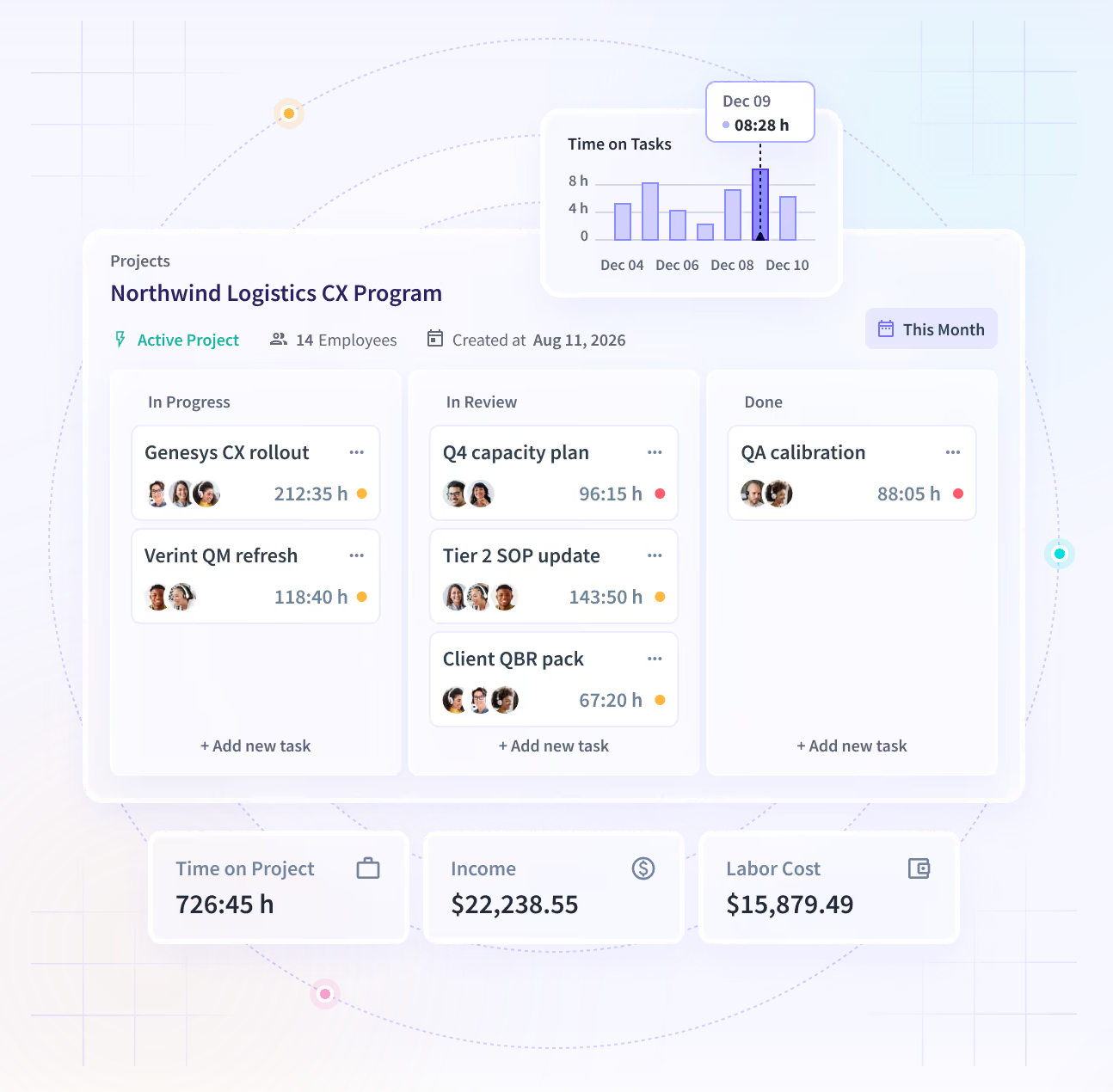
Time Tracking & Auditing records hours and activity automatically, so payroll and client billing run on recorded time rather than what someone remembered to enter. Manual entries need a named approver and land in an immutable audit trail. H&CO reclaimed over 200,000 hours a year with automatic time tracking.
See how Insightful fits your deployment requirements. Start a free trial to test cloud deployment with your team, or read about on-premise deployment if your data needs to stay in your environment.
Conclusion
Online deployment buys speed and removes much of the operational workload. On-premises deployment gives your organization greater control but puts more of that workload on your IT team.
The decision comes down to three practical questions: Where is your employee data allowed to live? How much IT capacity do you actually have? And where does your workforce work?
The best deployment is the one that fits those constraints without creating a new operational problem.
FAQs
Is online or on-premises employee time tracking software more secure?
Neither deployment model is automatically more secure. Online software places infrastructure security largely with the vendor, while on-premises gives your organization more direct control. Security depends on implementation, access controls, patching, encryption, monitoring, and how well each model fits your organization's requirements. For time tracking, also check who can edit or delete time records after the fact, since an audit trail matters in payroll and billing disputes under either model.
Can on-premises time tracking software track remote employees?
Yes, but the setup may require additional infrastructure. Depending on the system, remote employees may need VPN or gateway access to communicate with the organization’s environment. Before choosing self-hosting, test how the software handles employees working outside the corporate network, including whether hours captured while disconnected sync once the device reconnects.
Do you need an IT team to run on-premises time tracking software?
You need sufficient IT capacity to manage it properly. That includes installation, patching, backups, monitoring, security, upgrades, and troubleshooting. A company doesn’t necessarily need a large IT department, but someone must have clear ownership and enough time to maintain the system.
Does online time tracking software keep working without an internet connection?
Some online time tracking tools can continue recording activity during temporary connectivity issues and sync data when the connection returns. This varies by product, so test offline behavior before purchasing, particularly if employees regularly work from locations with unreliable internet access.
Can you migrate from on-premises to online time tracking later?
Potentially, but it depends on the software and the data export options available. Ask vendors whether employee records, historical time data, approval and audit history, configurations, and reports can be exported and imported between deployment models before you commit to either approach.
Does GDPR require time tracking data to be stored on-premise?
No, GDPR does not generally require employee time tracking data to be stored on-premise. Organizations can use cloud services, provided the processing and data transfers comply with applicable GDPR requirements. The specific obligations depend on what data is collected, where it is processed, and the organization’s circumstances.